Angled door frame strike for mortise locks with a bolt, SecureEntry-SC10
GTIN: 5907614669065 · SKU: SecureEntry-SC10
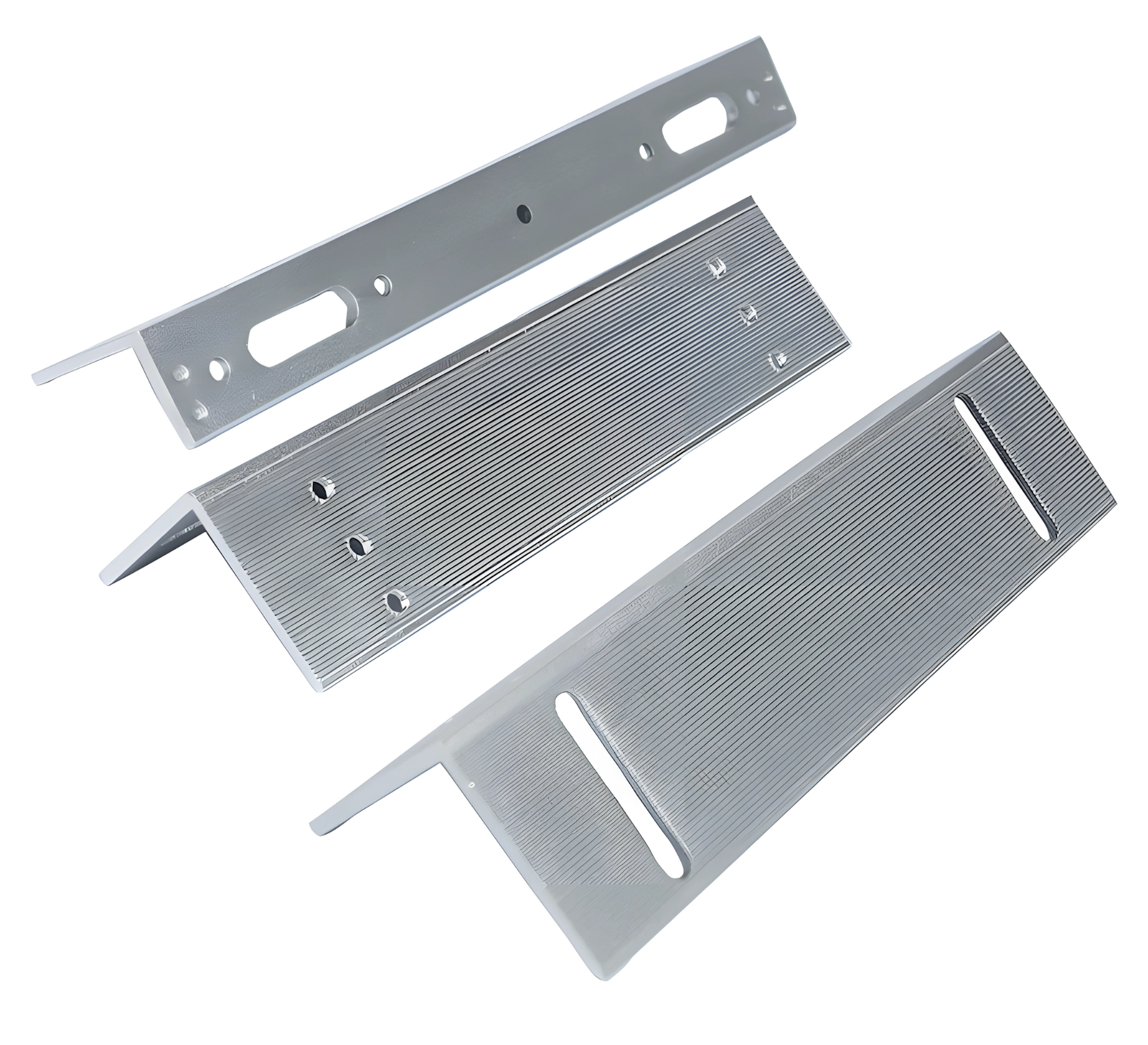
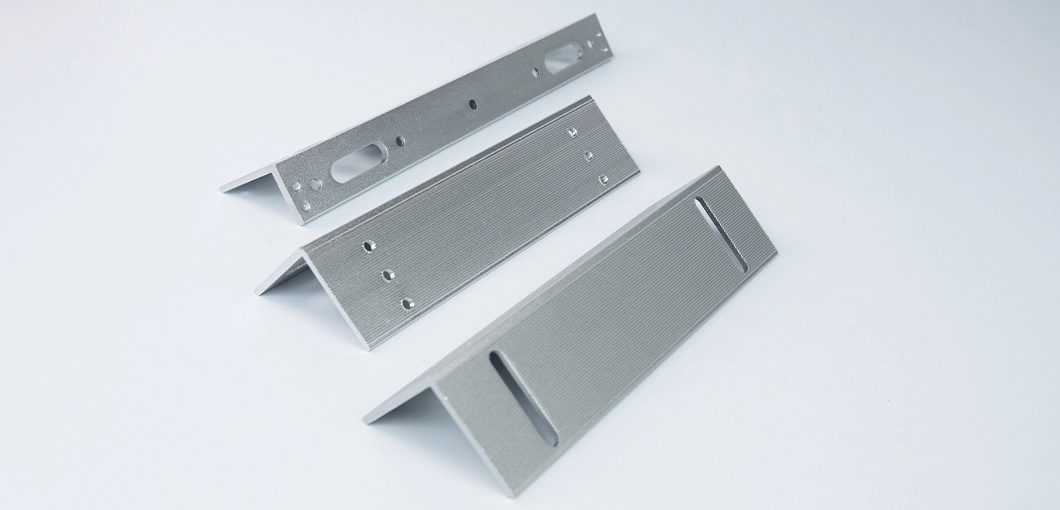
The SecureEntry-SC10 is an angled aluminium alloy strike for mortise locks with an extending bolt. It is mounted on the edge of the door frame, in line with the lock, where it receives the bolt. It suits ordinary locks as well as electric and electromagnetic ones.
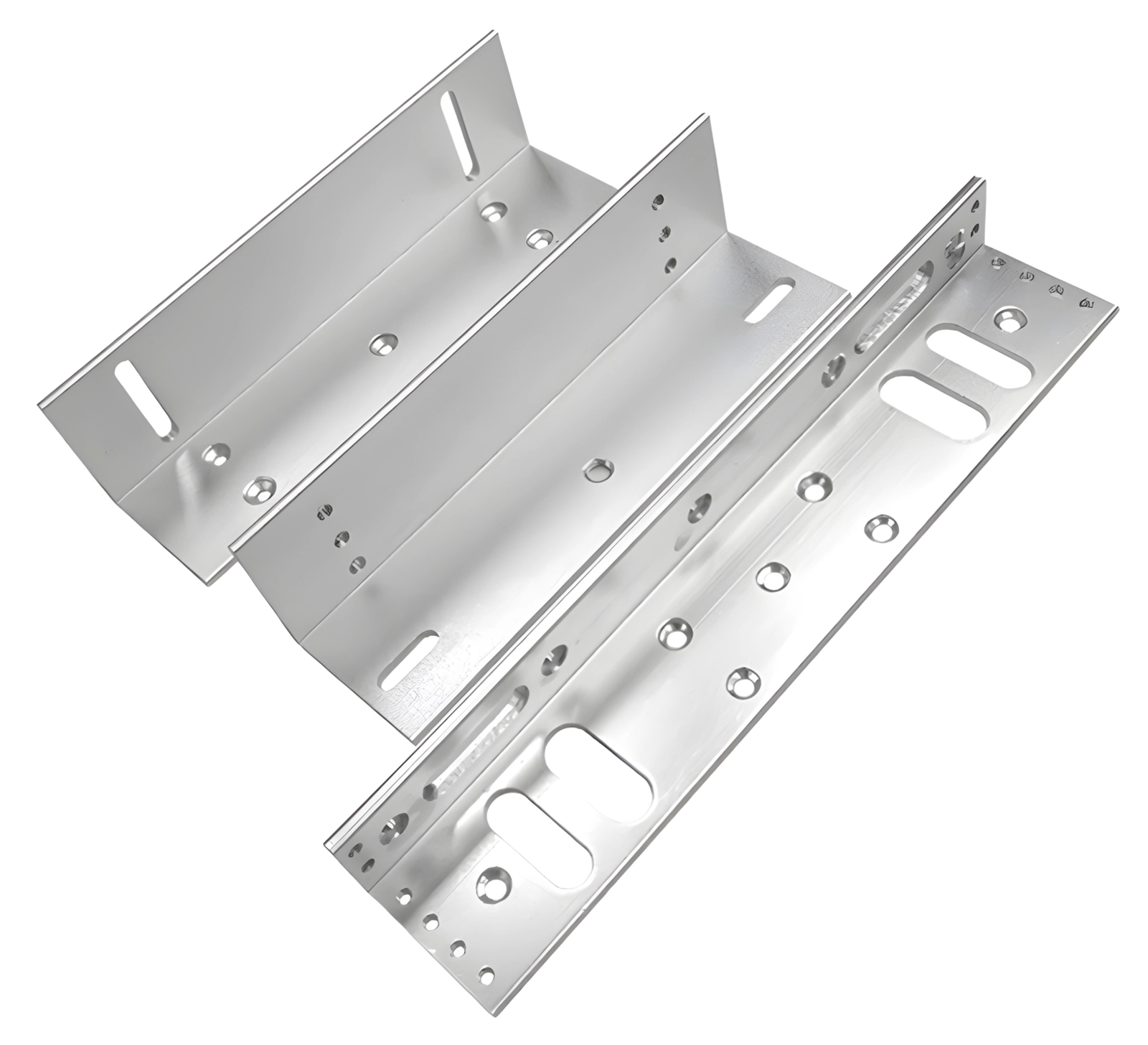
Table of contents
Specifications
- Device type: angled strike for mortise locks
- Material: aluminium alloy
- Application: mortise locks, ordinary and electronic
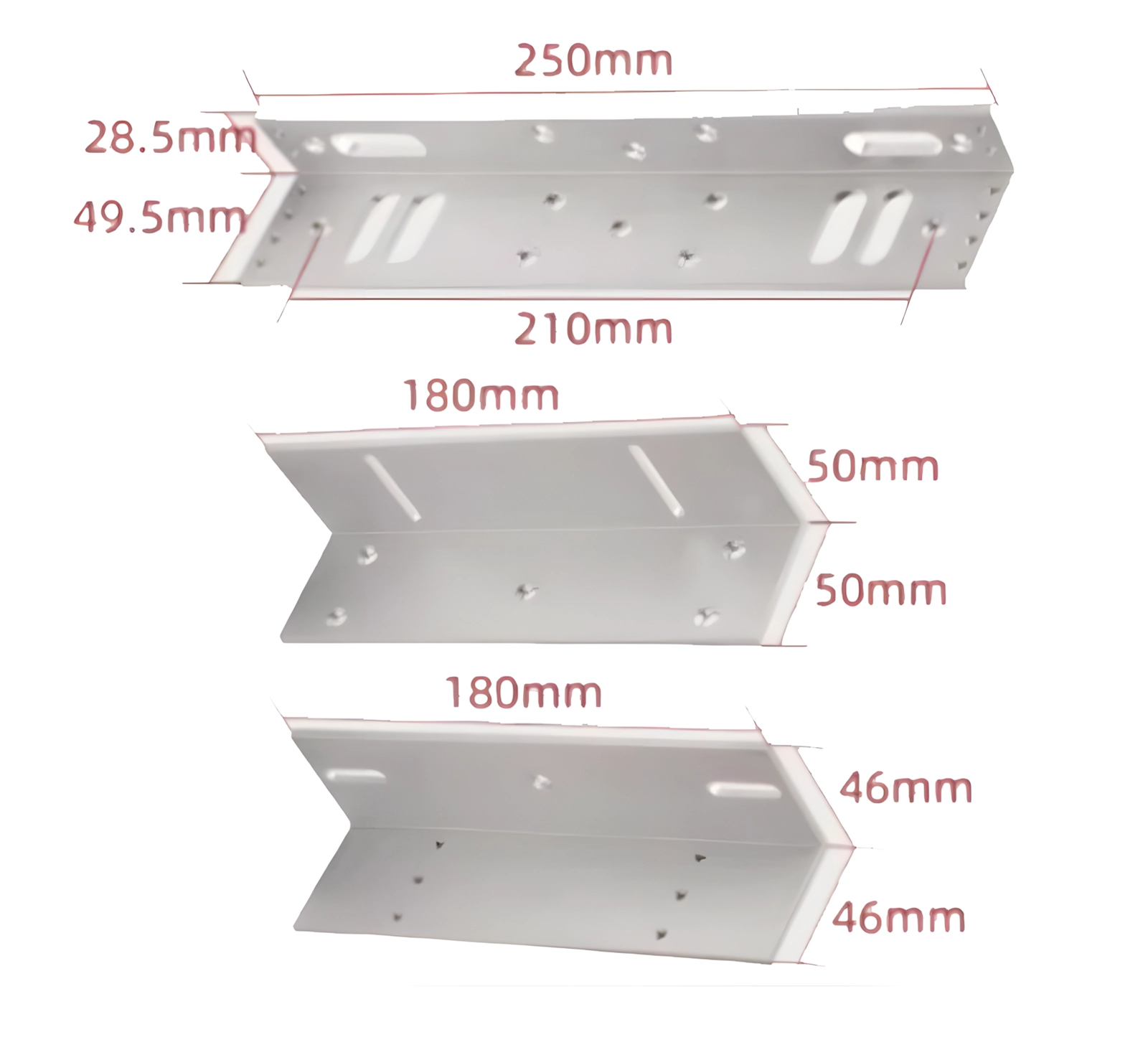
- Product dimensions: 25 × 2.85 × 4.95 cm, 18 × 5 × 5 cm, 18 × 4.6 × 4.6 cm
- Dimensions with packaging: 26.8 × 6.5 × 6.5 cm
- Product weight: 100 g
- Weight with packaging: 200 g
Kit contents
- Electric lock strike
- 2 metal plates
Dimensions
Mounting requirements
- A door fitted with a mortise lock with a bolt (mechanical, electromagnetic or electric).
- A sturdy door frame that the strike can be screwed to.
- Basic mounting tools: a power screwdriver or a screwdriver, a drill (if needed), a spirit level, wood screws and bolts.
Mounting instructions
- Prepare the mounting location. Open the door and find the place on the door frame where the lock bolt will enter. Fix the strike on the edge of the frame so that it is in line with the lock.
- Test-fit the strike. Hold the strike against the door frame and check that the bolt enters the strike opening freely. Adjust the position slightly if needed.
- Mark the holes. Mark where the holes for the fixing screws need to be drilled.
- Fix the strike. Screw the strike to the door frame. Make sure it is stable and sits flat against the surface.
- Check the operation. Close the door and check that the lock bolt enters the strike correctly, without resistance. The lock should work smoothly — both mechanically and in the electric or electromagnetic versions.
Maintenance and use
- Regularly check that the fixing screws are tight and have not come loose.
- If the strike opening is visibly dirty, clean it with a dry cloth.
- Do not use lubricants or oils — they collect dust and dirt.
- If the strike is mechanically damaged, replace it with a new one.
Safety notes
- Mount the strike as described in this manual to avoid the lock malfunctioning.
- When mounting with electric or electromagnetic locks, make sure the electrical installation complies with the applicable standards.
- Do not modify the strike yourself.
Frequently asked questions
What locks does the SecureEntry-SC10 work with?
Mortise locks with an extending bolt — ordinary mechanical locks as well as electric and electromagnetic ones.
What is the strike made of?
Aluminium alloy.
Where is the SecureEntry-SC10 mounted?
On the edge of the door frame, in line with the lock, so that the bolt enters the strike opening when the door is closed.
What is in the kit?
The electric lock strike and 2 metal plates. Screws and bolts for mounting have to be provided separately.
Does the strike need lubricating?
No. Do not use lubricants or oils, because they collect dust and dirt. If the strike opening gets dirty, clean it with a dry cloth.
Downloads
The manuals and datasheets as PDF, in case an offline copy is needed. Everything in them is also on this page.