125 kHz RFID proximity reader for access control, metal housing, Wiegand 26, IP66, SecureEntry-CR40
GTIN: 5907614668785 · SKU: SecureEntry-CR40
The SecureEntry-CR40 is a round proximity reader for 125 kHz RFID cards and fobs in a metal, anti-vandal housing. It does not make access decisions itself: when a card is held to it, it reads the card number and sends it over the Wiegand 26 interface to an access controller or a time recorder, which decides whether to release the door. The IP66 housing resists water and dust and works from −40 to 60 °C, so the reader can be mounted outdoors, at a gate or on a building entrance.
Table of contents
Specifications
- Type: RFID reader with access control
- Interface: Wiegand 26
- Verification type: RFID card
- Access control: yes
- Supported cards: 125 kHz
- Readable chip types: EM
- Reading distance: over 3 cm
- Voltage: 9–24 V DC
- Operating current: 25 mA
- Housing: metal, anti-vandal
- Degree of protection: IP66
- Operating temperature: −40 to 60 °C
- Operating humidity: 10–95 %
- Product dimensions: Ø 105 × 20 mm
- Product weight: 180 g
- Weight with packaging: 260 g
Kit contents
- RFID reader with access control
- Screws and wall plugs for mounting
- User manual
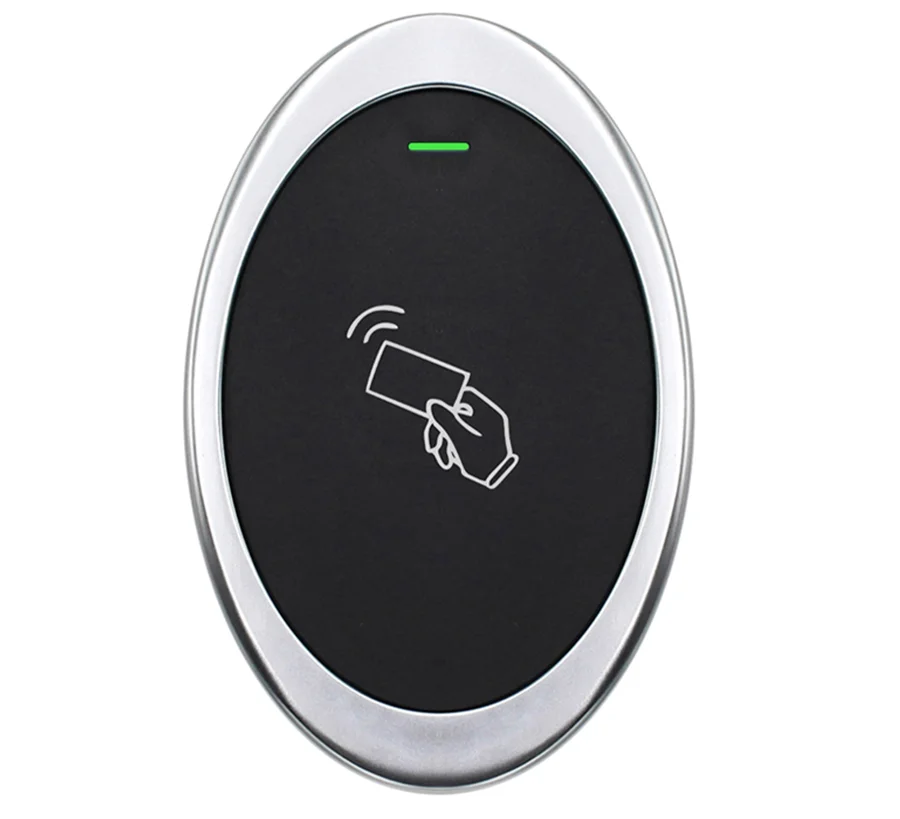
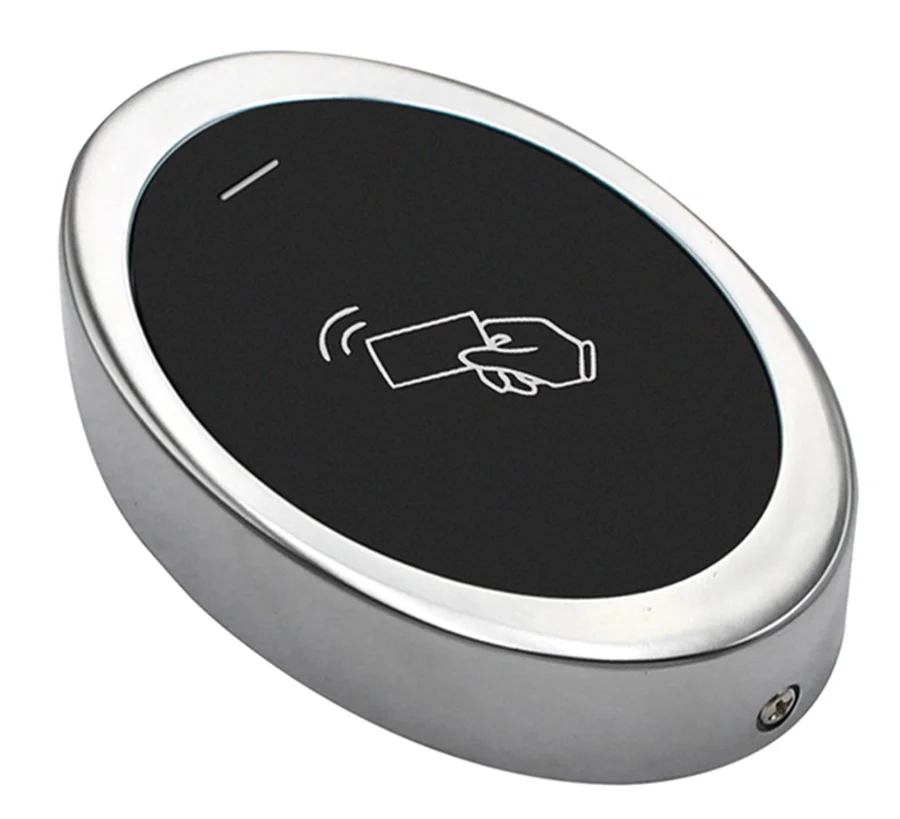
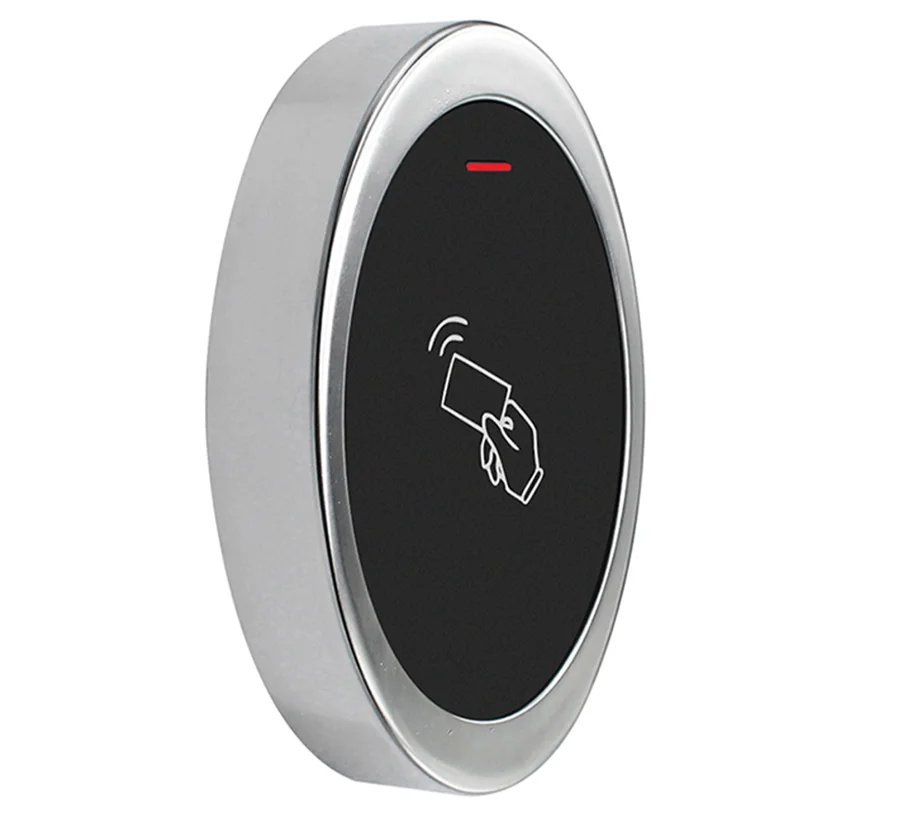
How the reader works
- The reader is a Wiegand reader only. It has no memory of users and no relay. The card number goes to a separate device, such as an access controller, an electronic lock with a Wiegand input or an HDWR time recorder, and that device releases the door
- Connected to an access controller with an electric strike or an electromagnetic lock, it controls access to rooms and buildings
- When a card is read, the LED turns green and the buzzer beeps while the Wiegand data is sent
- The controller can drive the LED and buzzer through the two optional wires: pulling the LED wire low turns the LED green, pulling the buzzer wire low sounds the buzzer
- The output format is Wiegand 26 bits (factory default); the controller must be set to the same format
Installation
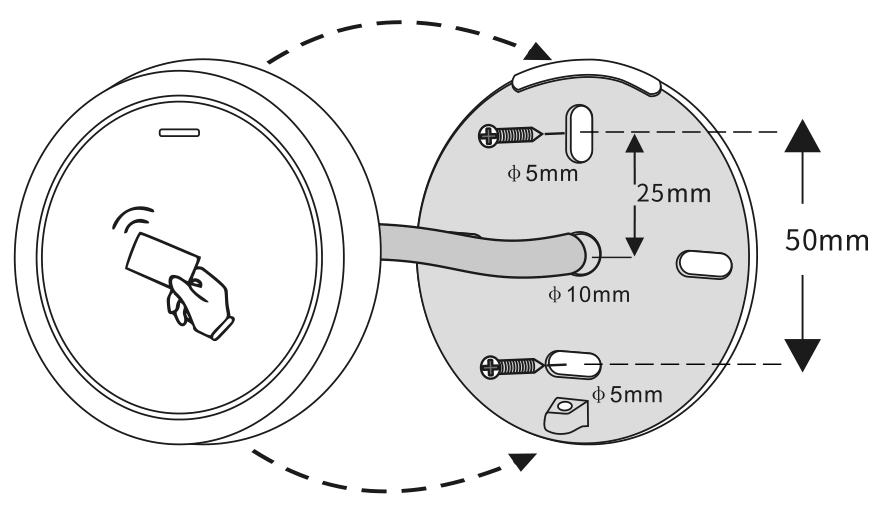
- Drill two holes in the wall for the screws (A, C) and one hole for the cable (B). The screw holes are 5 mm in diameter and 50 mm apart; the 10 mm cable hole lies between them, 25 mm from each.
- Drive the rubber wall plugs into holes A and C.
- Fix the back cover to the wall with the two screws.
- Lead the cable through hole B and connect it to the controller as described below, with the power off.
- Attach the reader to the back cover.
Wiring
The reader has six wires. Four are needed for operation, the brown and yellow wires are optional.
| Wire | Function | Notes |
|---|---|---|
| Red | Power | +DC, 9–24 V DC |
| Black | GND | Ground |
| Green | D0 | Wiegand data 0 |
| White | D1 | Wiegand data 1 |
| Brown | LED | Green LED control from the controller, optional |
| Yellow | Buzzer | Buzzer control from the controller, optional |
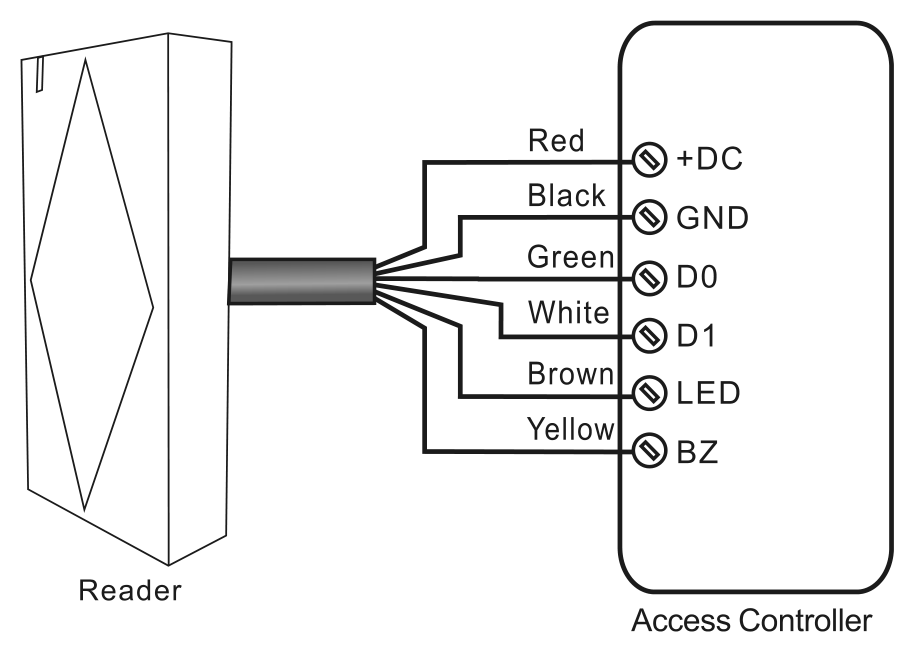
- Connect red and black to the 9–24 V DC supply, and green and white to the Wiegand D0 and D1 inputs of the controller. The reader and the controller must share the ground
- Connect brown and yellow only if the controller has LED and buzzer outputs and you want it to confirm access on the reader
- Make the connections with the power off and switch on only after checking every wire
Function table
| Function | Behaviour |
|---|---|
| Reading a card | The LED turns green and the buzzer beeps; at the same time the reader sends the Wiegand signal. |
| External LED control | When the input voltage on the LED wire is low, the LED turns green. |
| External buzzer control | When the input voltage on the buzzer wire is low, the buzzer sounds. |
| Wiegand data output | The factory default setting is 26 bits. |
Data signal
| Parameter | Typical time |
|---|---|
| Pulse width | 42 µs |
| Pulse interval | 2 ms |
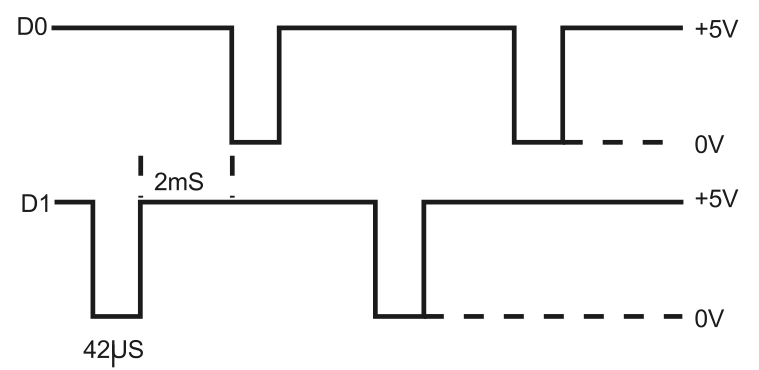
The diagram shows the pulse width (how long one pulse lasts) and the pulse interval (the time between pulses) of the Wiegand data sent by the reader, for the example data 1010. Use these values if the controller lets you set the Wiegand timing.
Troubleshooting
- The card is not read. Hold it close to the card symbol on the front of the reader. The reader reads 125 kHz EM cards only; 13.56 MHz cards are not supported.
- The reader beeps but the door does not open. The reader has done its job; the decision is made by the controller. Check that the card is registered in the controller and that the controller is set to Wiegand 26.
- The controller receives wrong or no card numbers. Check that green goes to D0 and white to D1, not swapped, and that the reader and the controller share the ground.
- No LED and no beep at all. Check the supply on red and black: the reader needs 9–24 V DC.
- The LED or buzzer behaves unexpectedly. The brown and yellow wires are driven by the controller. Leave them unconnected if the controller has no LED and buzzer outputs.
Frequently asked questions
Is the SecureEntry-CR40 a standalone access controller or a reader only?
Which RFID cards and fobs are compatible?
Can it be connected to a time recorder?
Can it be mounted outdoors?
What are the brown and yellow wires for?
What does the reader do when a card is presented?
Downloads
The manuals and datasheets as PDF, in case an offline copy is needed. Everything in them is also on this page.