Wireless 2D QR scanner with 840–960 MHz UHF RFID reader, docking station, 2.4G, Bluetooth and built-in memory, HDWR HD8500-RF
GTIN: 5906935201190 · SKU: HD8500-RF
Table of contents
- Table of contents
- Specifications
- Set contents
- Features
- Configuration codes
- Firmware Version
- Connection Way
- Connection Modes:
- Important Note:
- Scanning Mode:
- Keyboard Language
- Get Battery Volume
- Idle time
- Convert Case
- Terminator
- IOS Keyboard POP UP/HIDE
- Beeper
- Restore factory default
- Transmit Code ID Character
- All Symbologies
- AIM Code Identifiers
- 2D Symbologies
- 1D Inverse Barcode
- Decode UPC/EAN Supplementals UPC/EAN
- UPC-A
- UPC-E
- EAN-8
- EAN-13
- Bookland EAN(ISBN)
- Bookland ISBN
- Code 128
- GS1-128 (UCC/EAN-128)
- Code39
- Code 32
- Code 11
- Interleaved 2 of 5/ITF
- ITF14
- Discrete 2 of 5/Industrial 2 of 5/IND25
- Matrix 25
- Standard 25/IATA 25
- Codabar
- MSI
- GS1 DataBar/RSS
- PDF417
- QR
- Maxi Code
- Han Xin Code
- Plessey
- Brazil Bank Code
- EAN/UCC
- Appendix 1: Numeric Bar Codes
- Hide Prefix or suffix digits
- Frequently asked questions
- Downloads
Specifications
- Sensor: CMOS, 640 × 480 px
- Light source: red LED crosshair / white LED illumination
- Scan angles: 48°, 40°, 30°
- Scanning method: manual (push button) or automatic (proximity-triggered)
- Scan confirmation: light and sound signal
- Wireless communication: 2.4G, Bluetooth
- Wireless range: up to 100 m (2.4G), up to 20 m (Bluetooth)
- RFID frequency: 840–960 MHz (UHF)
- RFID read distance: up to 50 cm
- Code reading distance: 10–20 cm
- Operating voltage: DC 5.0 V ±5%
- Maximum current: 395 mA
- Battery capacity: 2000 mAh
- Charging time: 5–7 h
- Cable length: 1.2 m
- Interface: USB
- Operating temperature: −10 to 50 °C
- Storage temperature: −20 to 70 °C
- Operating humidity: 5 to 95%
- Docking station dimensions: 11.1 × 7.5 × 4.0 cm
- Product dimensions: 19 × 6.2 × 8 cm
- Product weight: 200 g
- Package dimensions: 22 × 12 × 10 cm
- Weight with packaging: 500 g
- Readable 1D codes: EAN, UPC, Code 39, Code 93, Code 128, UCC/EAN 128, Codabar, Interleaved 2 of 5, ITF-6, ITF-14, ISBN, ISSN, MSI-Plessey, GS1 DataBar, GS1 Composite, Code 11, Industrial 25, Standard 25, Plessey
- Readable 2D codes: QR Code, Data Matrix, PDF417, UPCODE, mCode
Set contents
- HD8500-RF wireless 2D scanner with UHF RFID reader
- Docking station
- USB cable
- User manual
Features
- Barcodes and UHF RFID in one device: reads 1D and 2D codes plus 840–960 MHz UHF RFID tags at up to 50 cm — well suited to industrial asset tracking and warehouse inventory
- 2D codes, also from screens: the CMOS sensor reads codes from paper labels and from LCD/LED/OLED screens, including smartphone displays
- Docking station and built-in memory: the dock is the wireless receiver and charging cradle; codes can be stored in memory and uploaded later
- 2.4G and Bluetooth: 2.4G radio reaches up to 100 m; Bluetooth reaches about 20 m
- USB and Virtual COM: works as a USB keyboard or emulates a serial (RS232) COM port for POS and legacy software
- Light and sound feedback: clear confirmation of every successful read, with a red-LED crosshair aimer
- Fully configurable: connection, keyboard layout, beeper, prefix/suffix, per-symbology switches — all codes below
Configuration codes
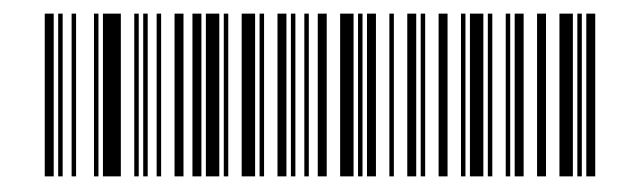
To change scanner settings, scan the appropriate code below directly with the HD8500-RF. All codes come from the supplier manual.
💡 Tip: print this page ("Download this page as PDF" button above) to keep the codes at hand during configuration. The numeric and ASCII data codes at the end are used together with settings that ask you to enter digits or characters (e.g. prefixes, suffixes).
Firmware Version
Firmware Version:
Connection Way
Working via 2.4G receiver
RF 2.4Ghz Wireless Transmit:

Working via Bluetooth:

Connection Modes:
Wired Connection
USB Cable as Keyboard (HID):

USB Cable as Virtual COM:

RF Wireless Connection.
RF Dongle as Keyboard(HID):
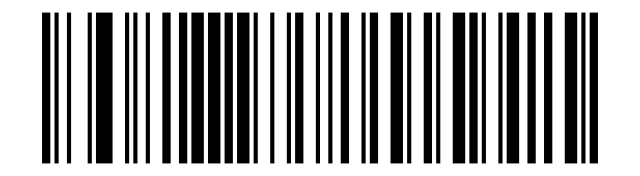
RF Dongle as Virtual COM:
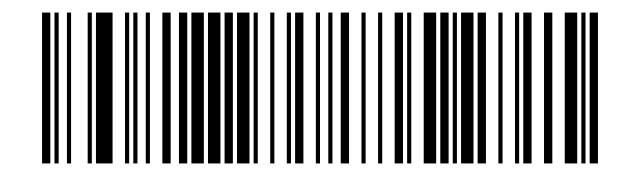
Bluetooth Connection
Basic Mode(HID):

High Speed:
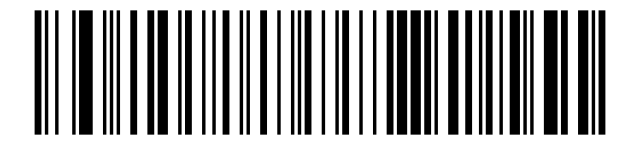
Medium Speed:
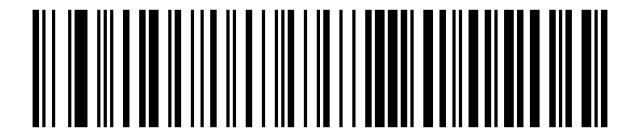
Low Speed:
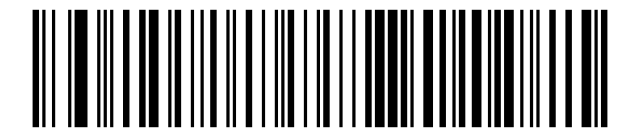
Important Note:
Bluetooth Connection
Un-Pair Bluetooth:

BLE Mode:

SPP Mode:

Scanning Mode:
Trigger Mode (Default)
Trigger Mode:
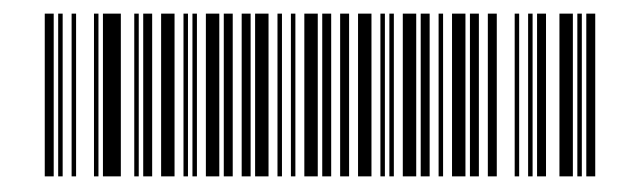
Auto Sense Mode
Auto Sense Mode:
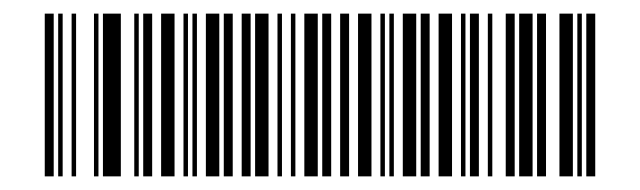
Continuous Mode
Continuous Mode:
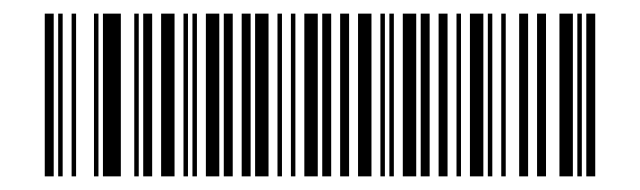
Keyboard Language
Continuous Mode
America EN keyboard:
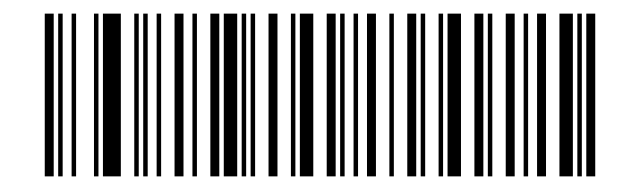
French keyboard:
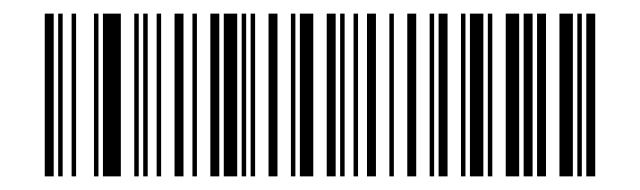
Italy keyboard:
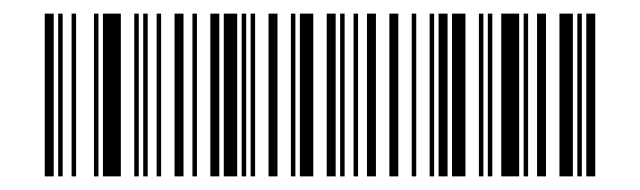
Germany keyboard:
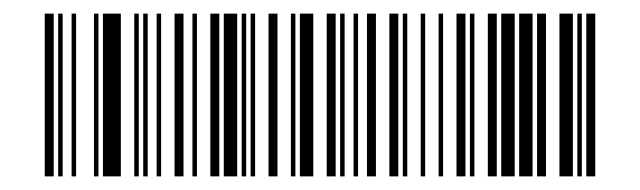
Portugal keyboard:
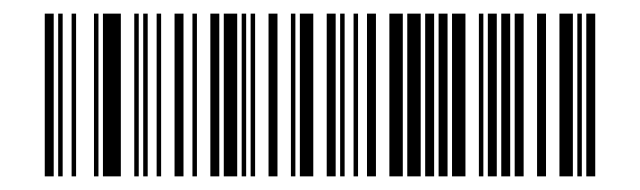
Spain keyboard:
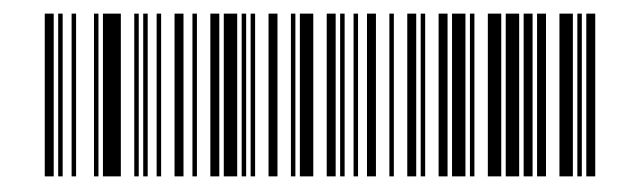
Turkey Q keyboard:
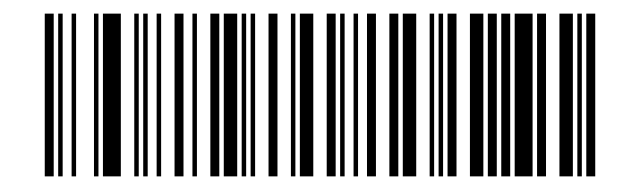
Turkey F keyboard:
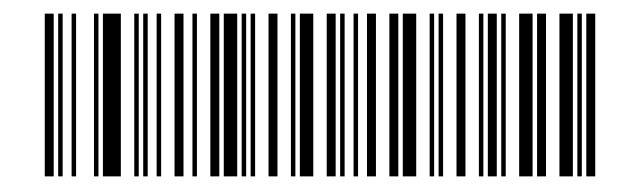
UK keyboard:
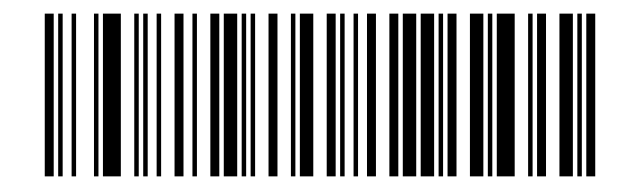
Czech keyboard:
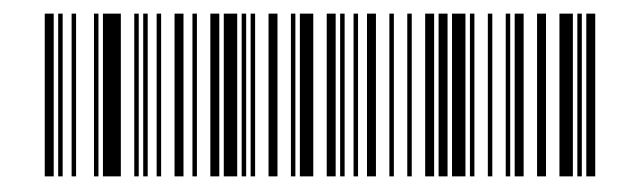
Hungary keyboard:
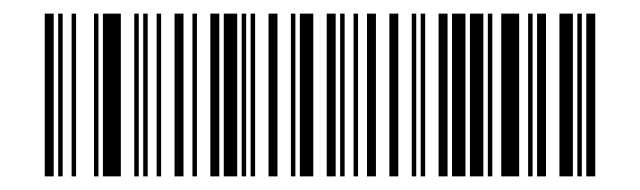
Belgium FR keyboard:
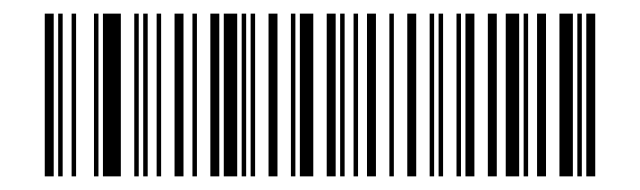
Brazil PT keyboard:
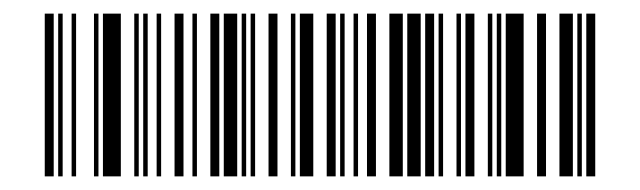
Canadian FR keyboard:
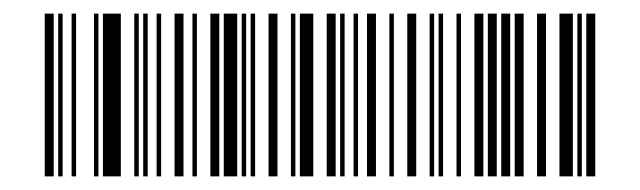
Croatia keyboard:
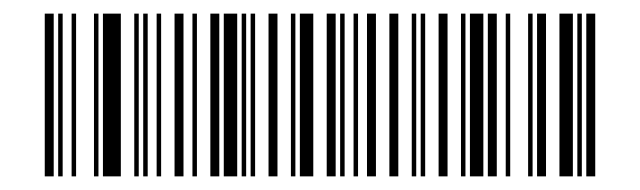
Slovak keyboard:
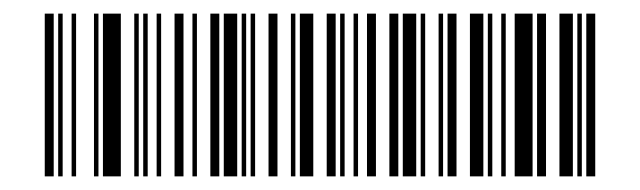
Denmark keyboard:
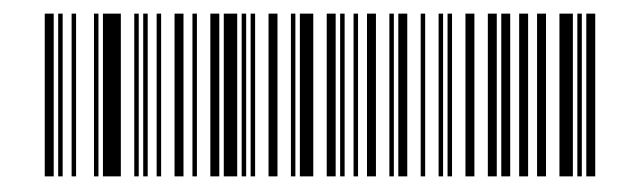
Finland keyboard:
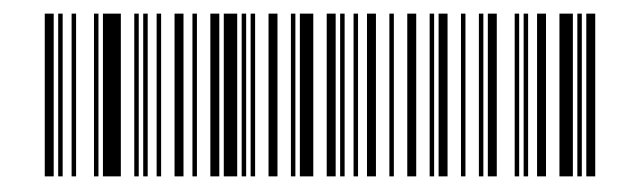
Latin-America ES keyboard:
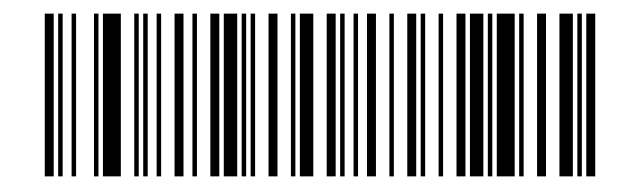
Netherland keyboard:
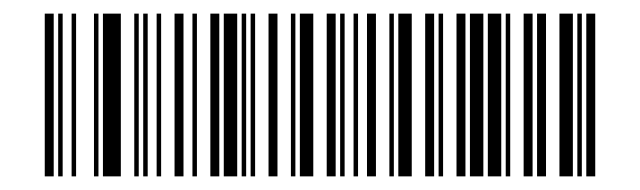
Norway keyboard:
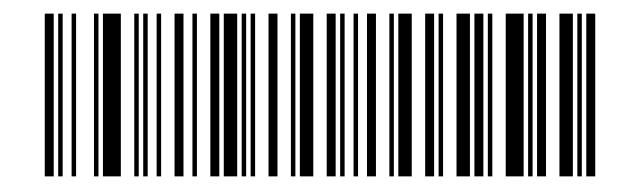
Poland keyboard:
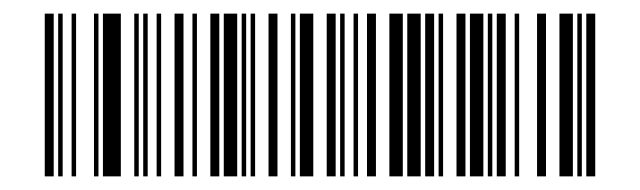
Serbia keyboard:
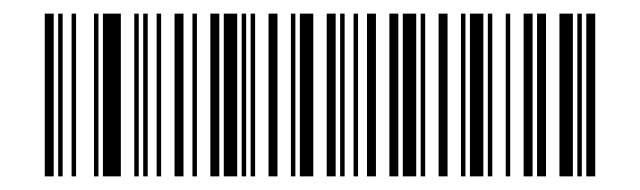
Slovenia keyboard:
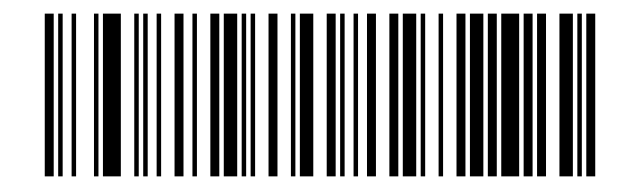
Sweden keyboard:
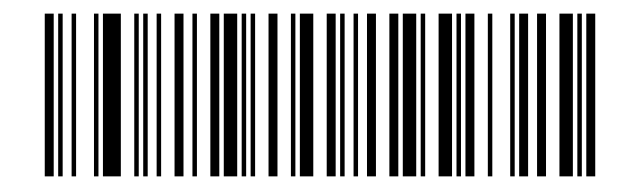
Swiss DE keyboard:
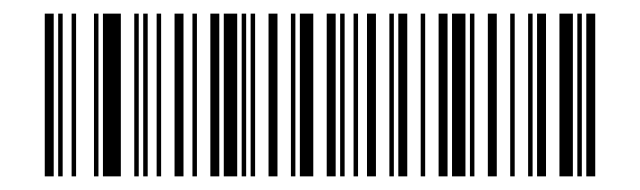
Quit Offline Mode
Quit Offline Mode:
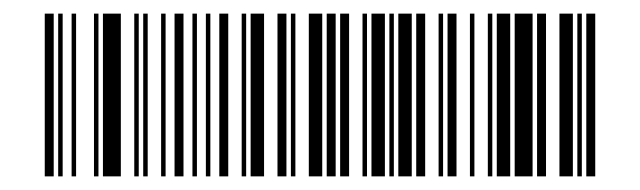
Offline Mode
Offline Mode:
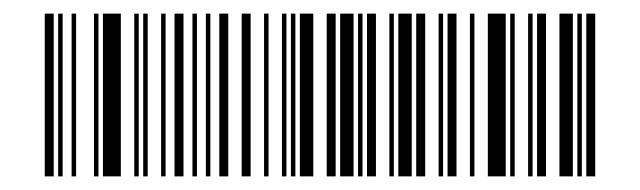
Output Stored Data
Output Stored Data:
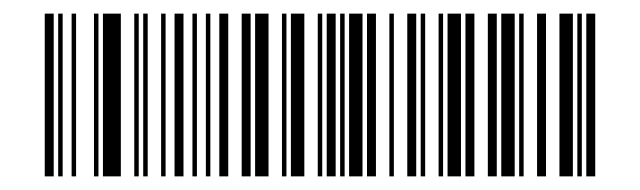
Output Total Entry
Output Total Entry:
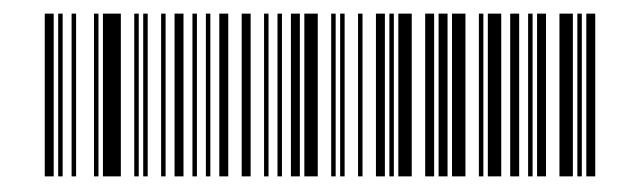
Clear Memory
Clear Memory:
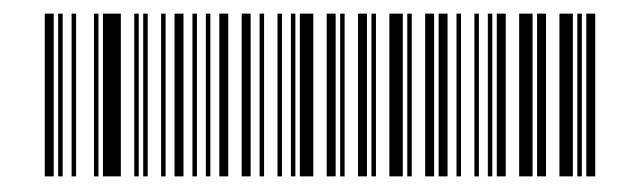
Get Battery Volume
Clear Memory
Battery Rough Volume:
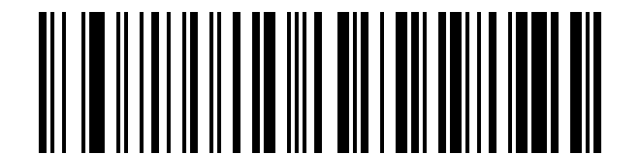
Idle time
Clear Memory
Disable Sleep Mode:
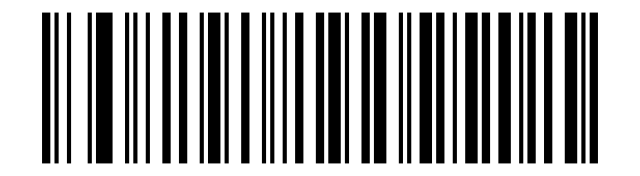
Power Off:
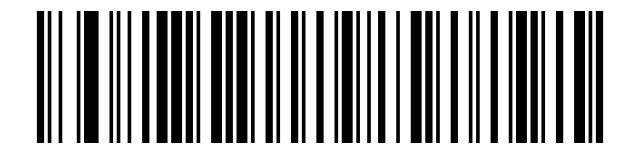
30S:
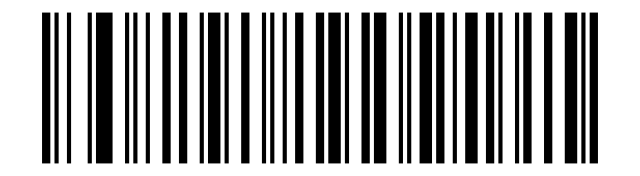
3Mins:
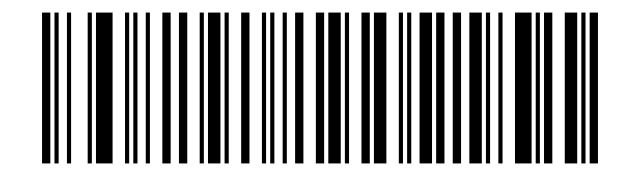
10Mins:
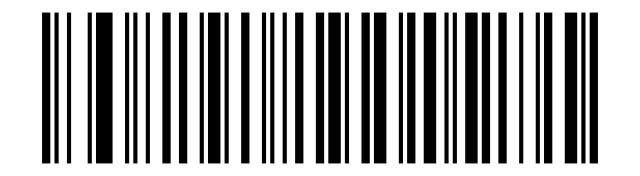
30Min:
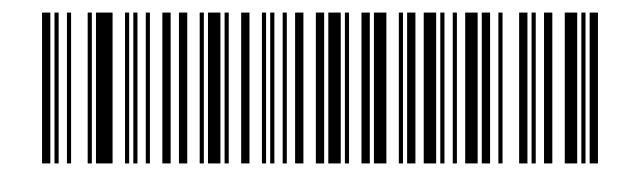
Convert Case
Clear Memory
Disable Convert Case:
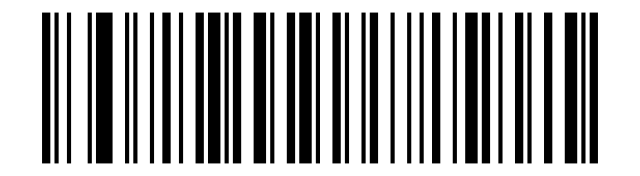
Up Low Case Swap (A<->a):
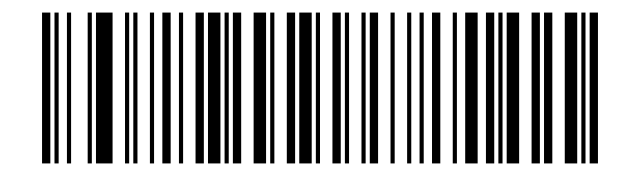
All Upper Case (a->A):
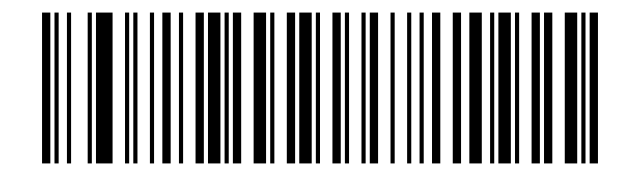
All Lower Case (A->a):
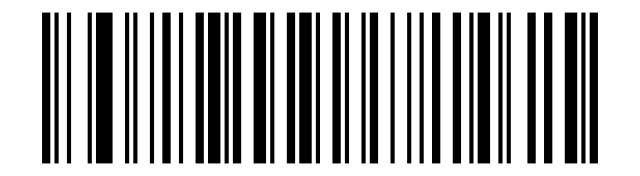
Terminator
Clear Memory
None:
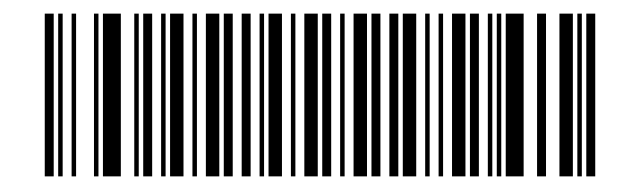
CR&LF:
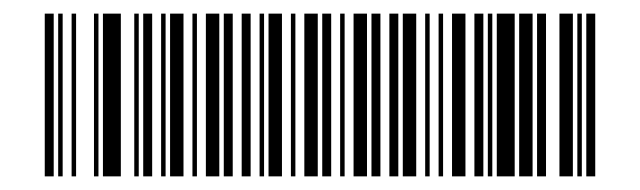
CR:
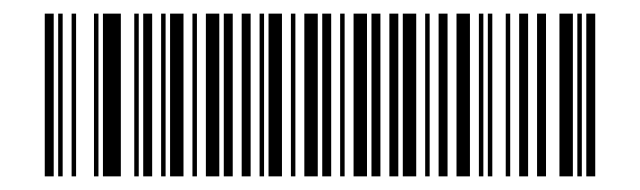
TAB:
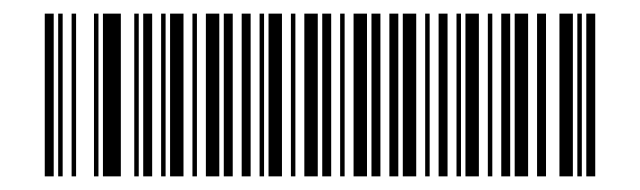
IOS Keyboard POP UP/HIDE
Clear Memory
IOS Keyboard POP UP/HIDE:
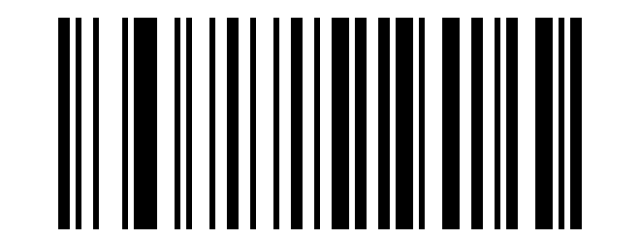
Beeper
Clear Memory
BEEP OFF:
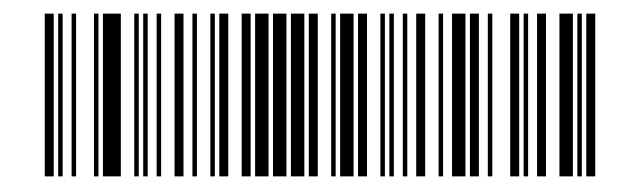
High Volume:
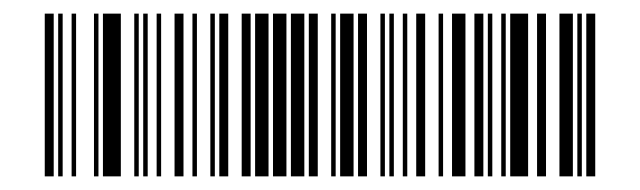
Middle Volume:
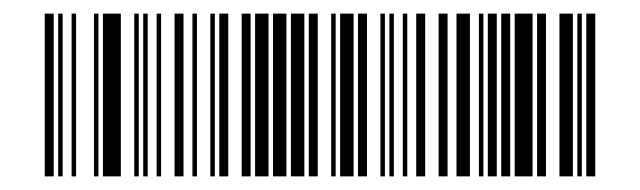
Low Volume:
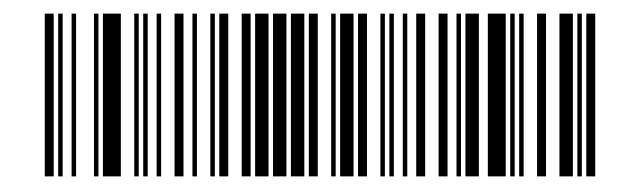
Restore factory default
Clear Memory
- 10 -:
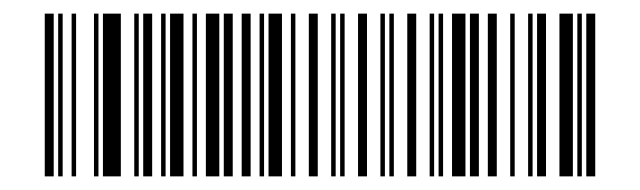
- 10 -:
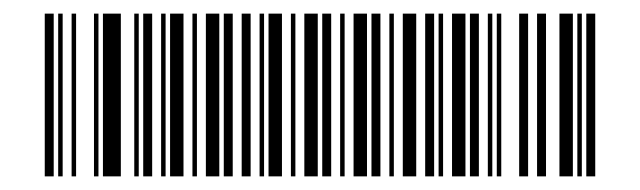
A code ID character identifies the code type of a scanned bar code. This can be useful when decoding more:
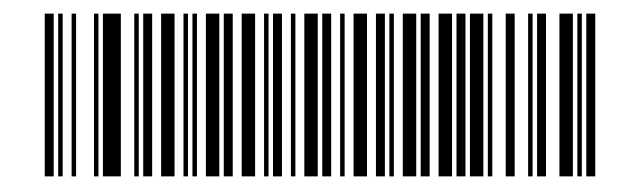
A code ID character identifies the code type of a scanned bar code. This can be useful when decoding more:

Transmit Code ID Character
Clear Memory
Symbol Code ID Character Code ID:
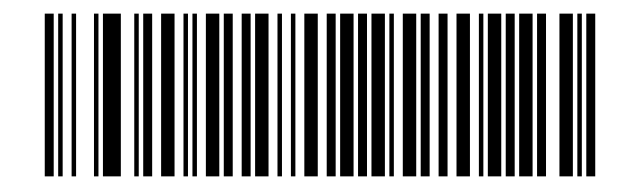
Aim Code ID Character AIM ID:
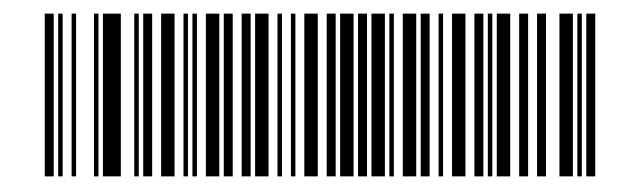
None:
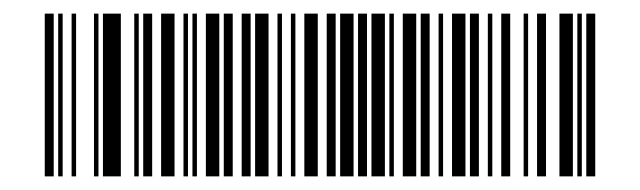
All Symbologies
AIM Code Identifiers
Disable All Symbologies:
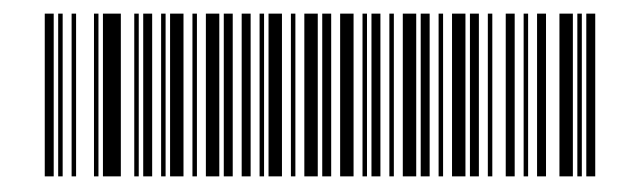
Enable All Symbologies:
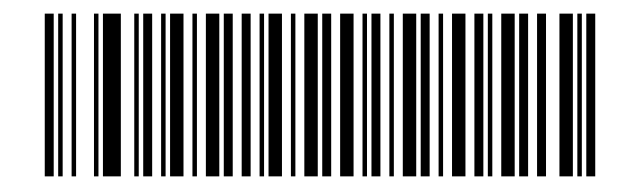
Disable 1D Symbologies:
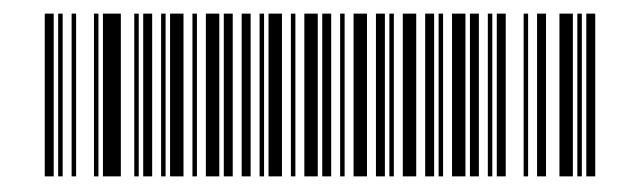
Enable 1D Symbologies:
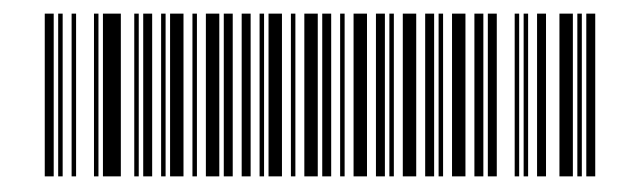
2D Symbologies
Disable 2D Symbologies:
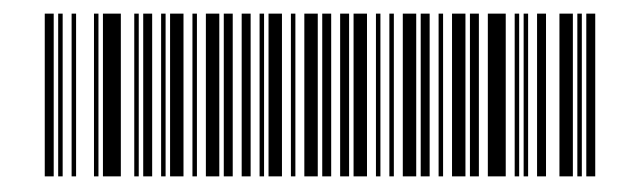
Enable 2D Symbologies:
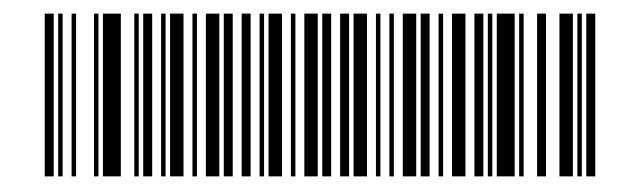
1D Inverse Barcode
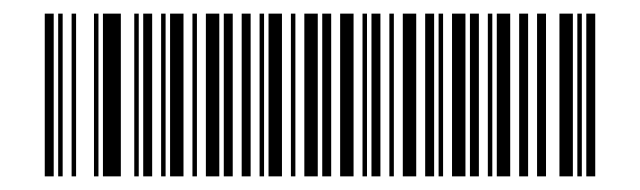
Disable to read 1D reverse barcode:
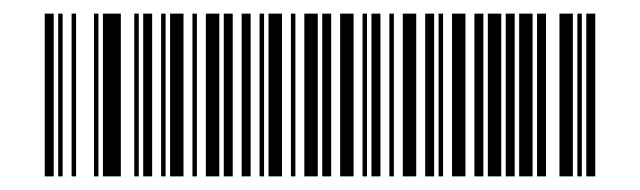
Enabled to read 1D reverse barcode:
Decode UPC/EAN Supplementals UPC/EAN
Ignore UPC/EAN with Supplementals:
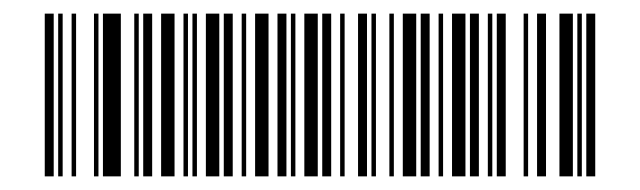
Decode UPC/EAN with Supplementals:
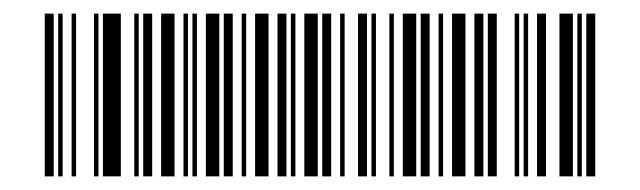
Auto discriminate UPC/EAN Supplementals:
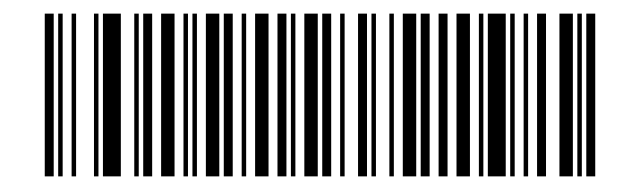
UPC-A
Enable UPC-A:
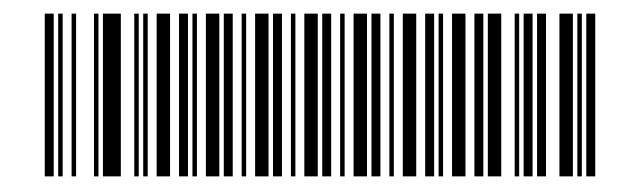
Disable UPC-A:
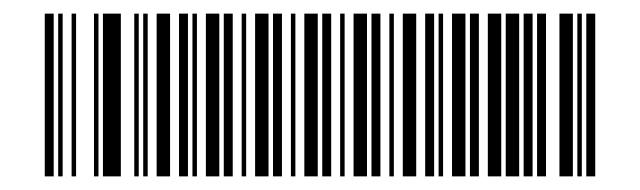
No System Character:
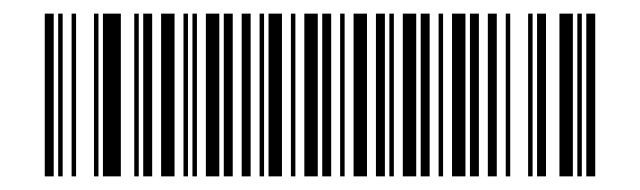
System Character & Country Code:
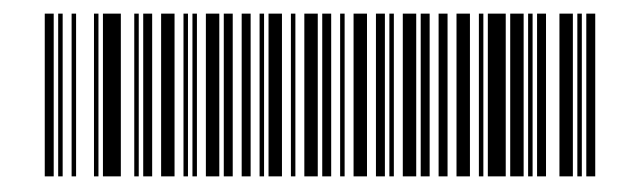
System Character:
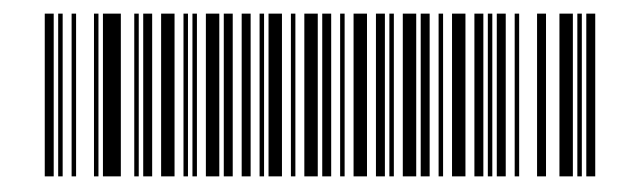
Transmit UPC-A Check Character:
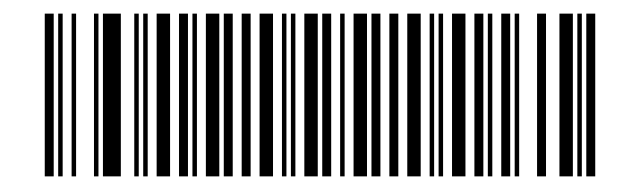
Do Not Transmit UPC-A Check Character:
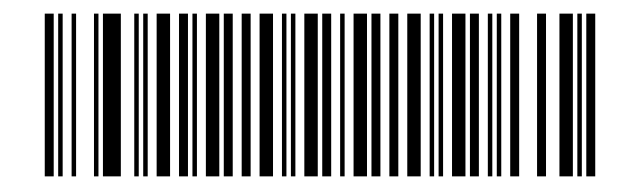
Enable 2-Digit Add-On Code:
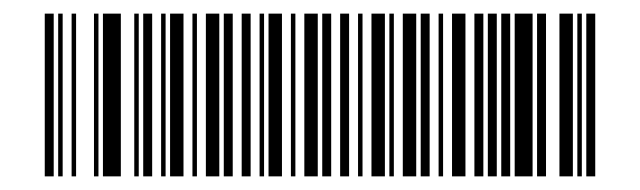
Disable 2-Digit Add-On Code:
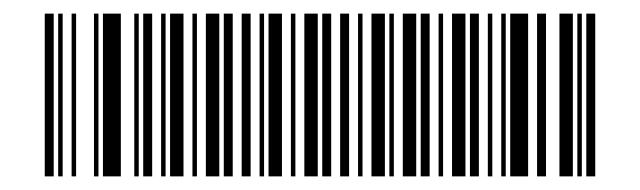
Enable 5-Digit Add-On Code:
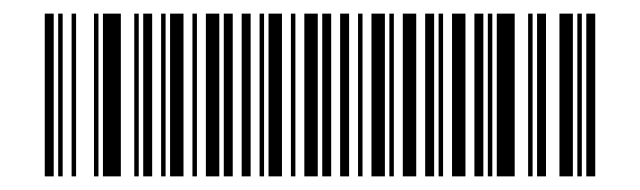
Disable 5-Digit Add-On Code:
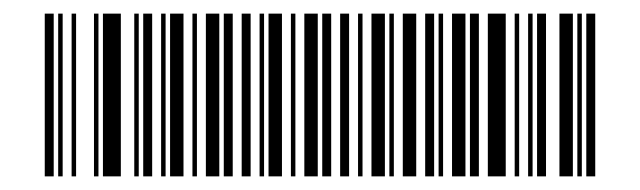
UPC-A Add-On Code Required:
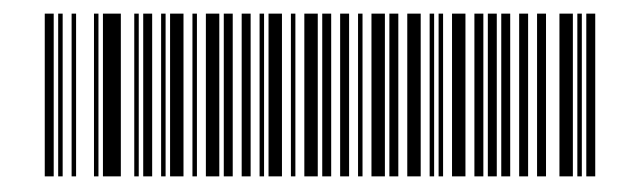
UPC-A Add-On Code Not Required:
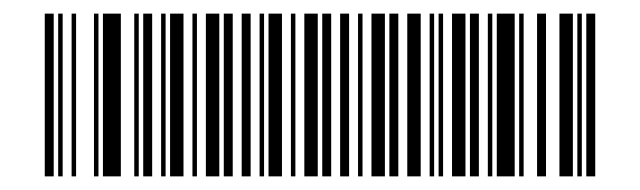
UPC-E
Enable UPC-E:
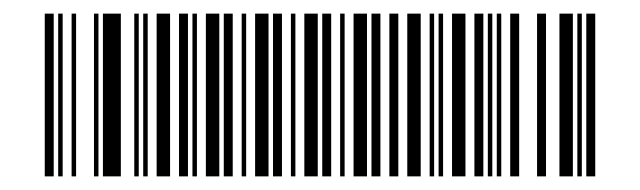
Disable UPC-E:
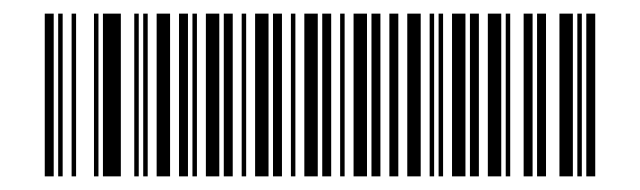
No System Character:
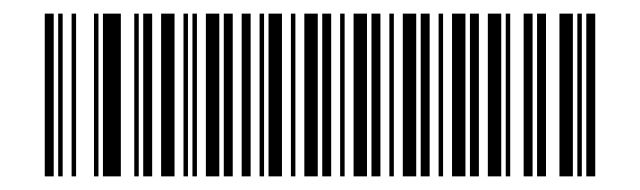
System Character & Country Code:
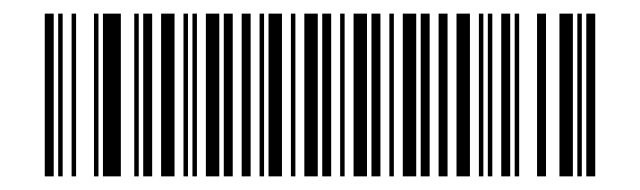
System Character:
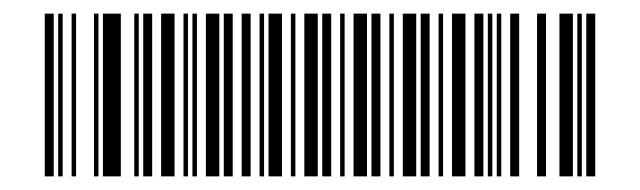
Transmit UPC-E Check Character:
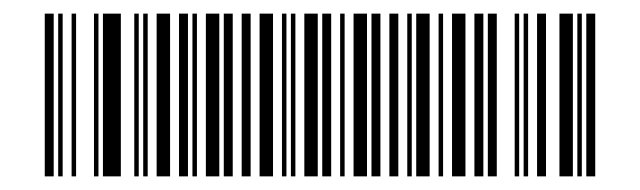
Do Not Transmit UPC-E Check Character:
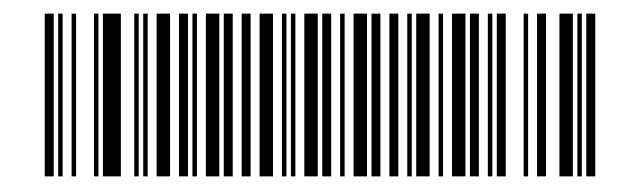
Convert UPC-E to UPC-A:
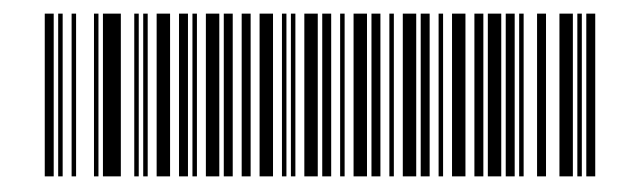
Do not convert UPC-E to UPC-A:
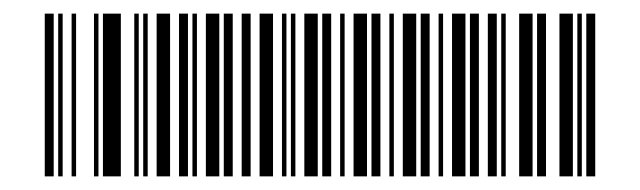
Enable 2-Digit Add-On Code:
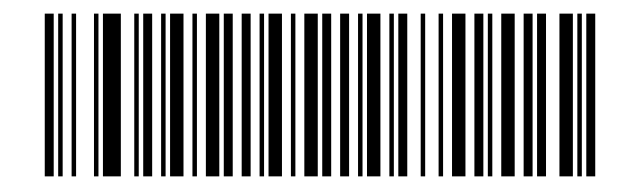
Disable 2-Digit Add-On Code:
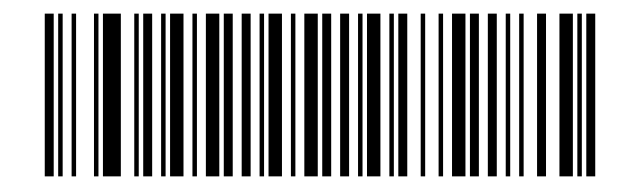
Enable 5-Digit Add-On Code:
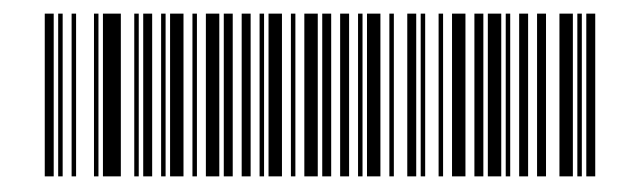
Disable 5-Digit Add-On Code:
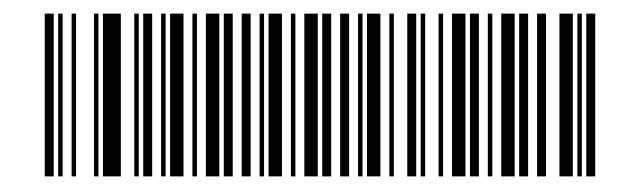
UPC-E Add-On Code Required:
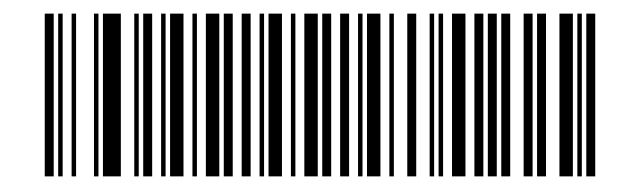
UPC-E Add-On Code Not Required:
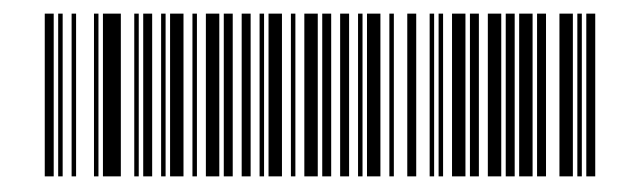
EAN-8
Enable EAN-8:
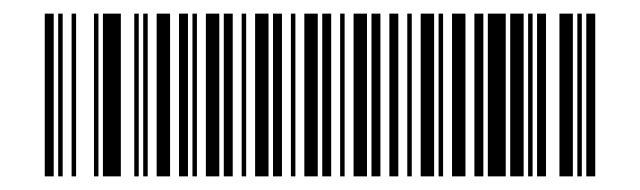
Disable EAN-8:
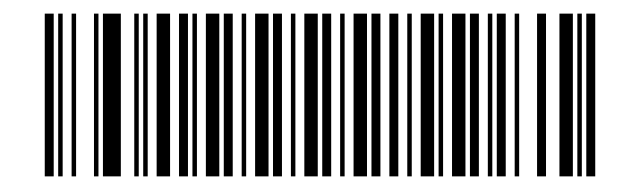
Enable EAN-8 Zero Extend:
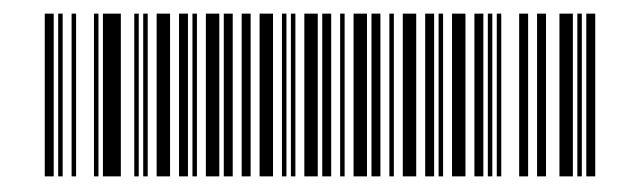
Disable EAN-8 Zero Extend:
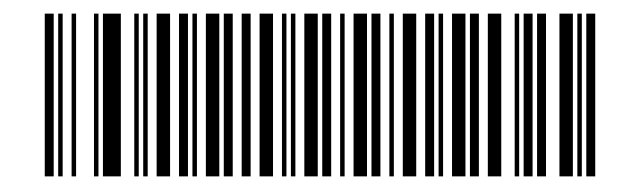
Enable 2-Digit Add-On Code:
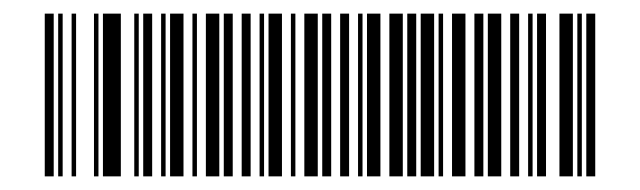
Disable 2-Digit Add-On Code:
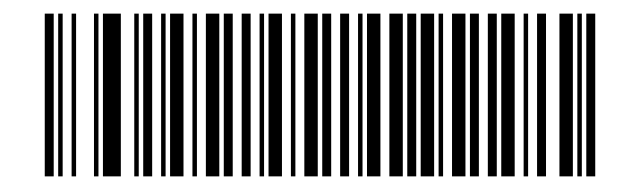
Enable 5-Digit Add-On Code:
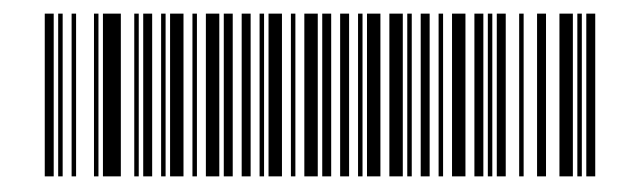
Disable 5-Digit Add-On Code:
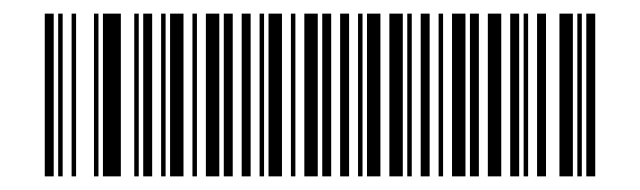
EAN-8 Add-On Code Required:
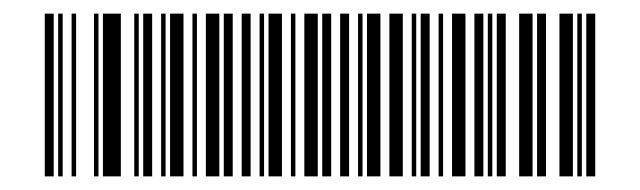
EAN-8 Add-On Code Not Required:
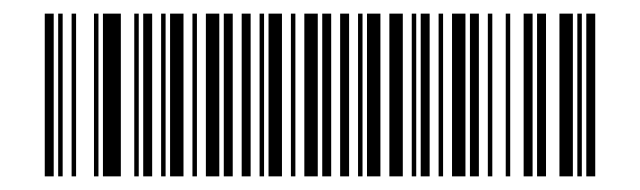
Transmit EAN-8 Check Character:
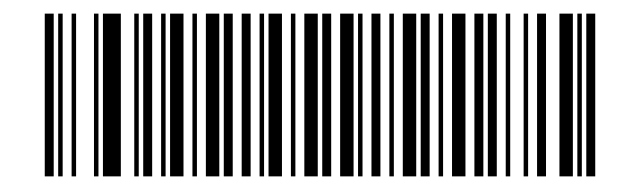
Do Not Transmit EAN-8 Check Character:
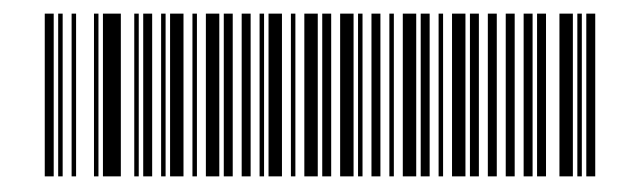
EAN-13
Enable EAN-13:
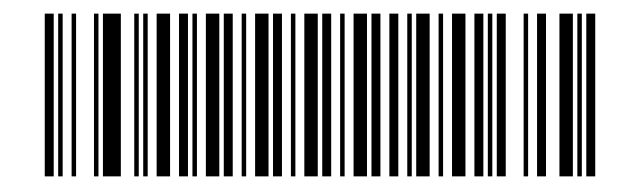
Disable EAN-13:
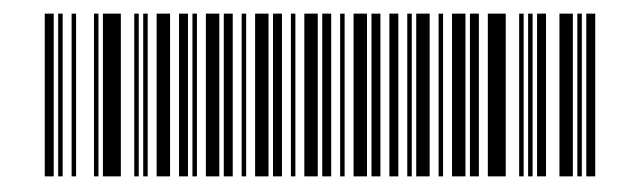
Enable 2-Digit Add-On Code:
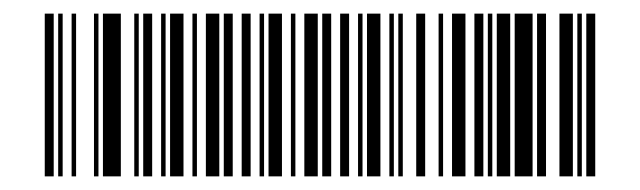
Disable 2-Digit Add-On Code:
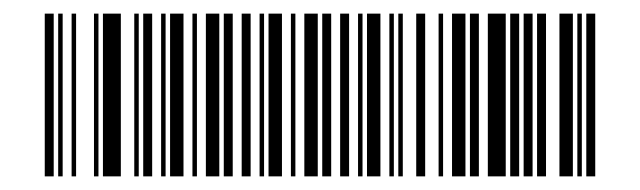
Enable 5-Digit Add-On Code:
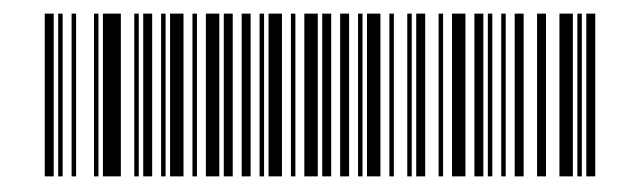
Disable 5-Digit Add-On Code:
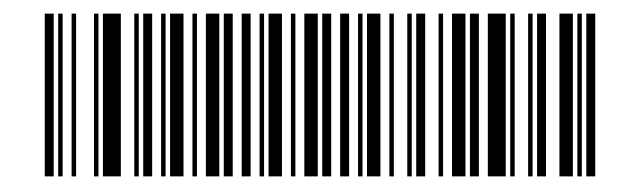
EAN-13 Add-On Code Required:
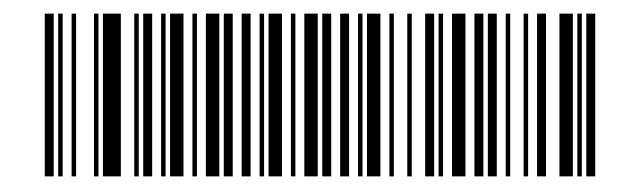
EAN-13 Add-On Code Not Required:
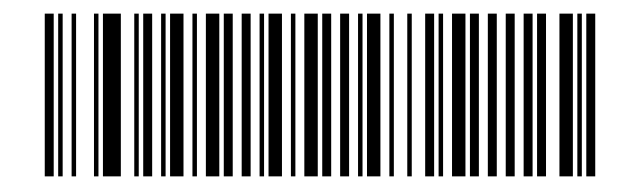
Transmit EAN-13 Check Character:
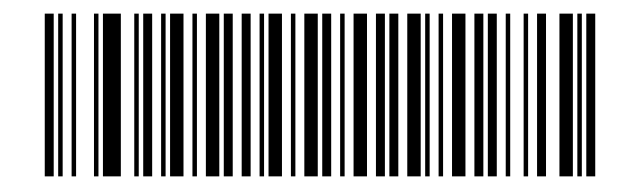
Do Not Transmit EAN-13 Check Character:
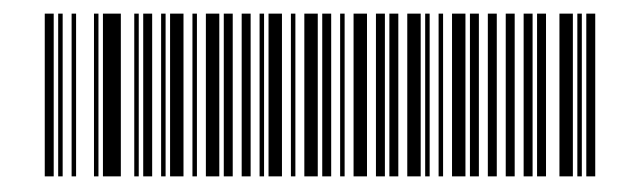
Bookland EAN(ISBN)
Enable Bookland EAN:
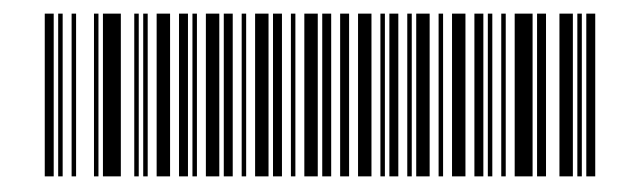
Disable Bookland EAN:
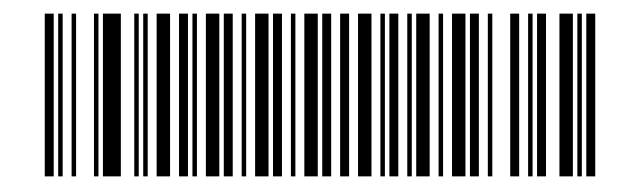
Bookland ISBN
Bookland ISBN-10:
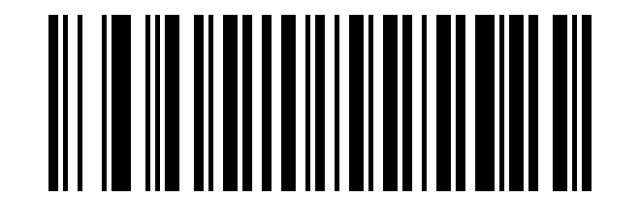
Bookland ISBN-13:
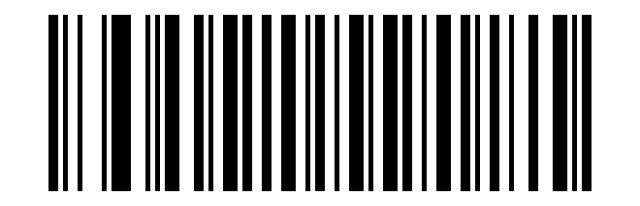
Code 128
Enable Code 128:
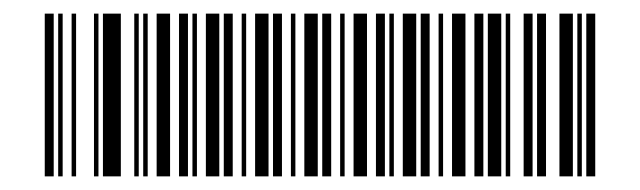
Disable Code 128:
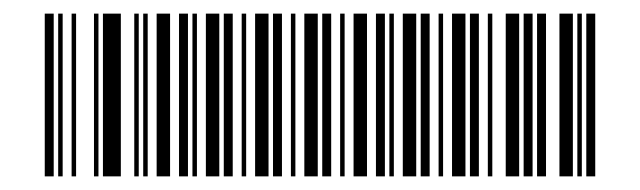
Transmit Code128 Check Character:
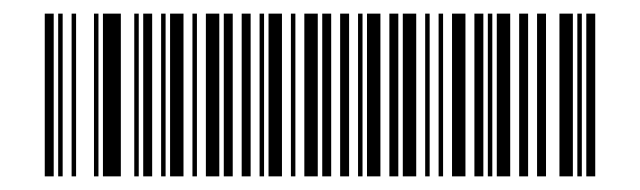
Do Not Transmit Code128 Check Character:
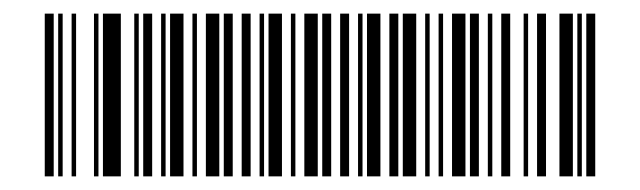
GS1-128 (UCC/EAN-128)
Enable GS1-128:
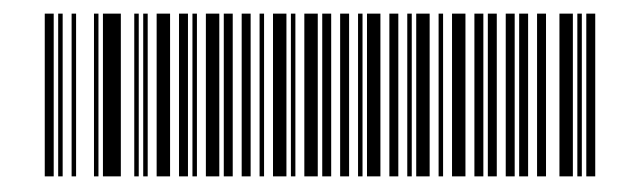
Disable GS1-128:
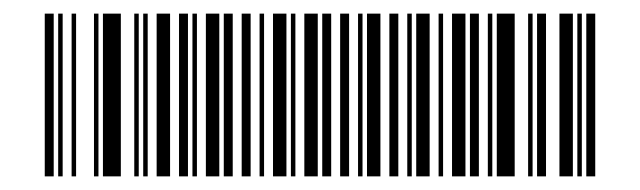
Transmit GS1-128 Check Character:
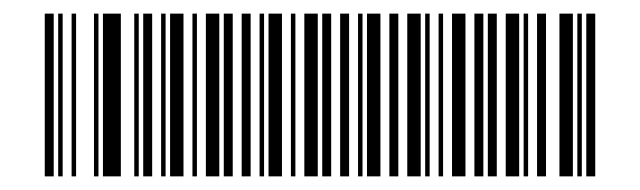
Do Not Transmit GS1-128 Check Character:
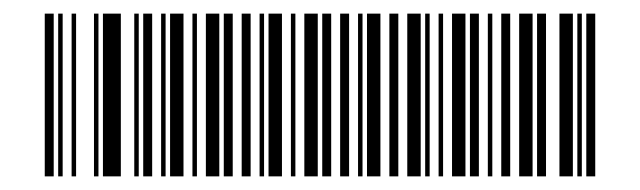
Enable ISBT 128:
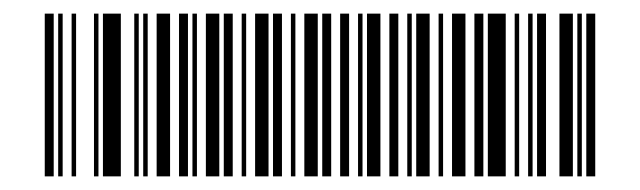
Disable ISBT 128:
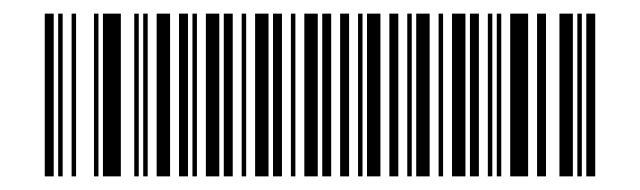
Code39
Enable Code 39:
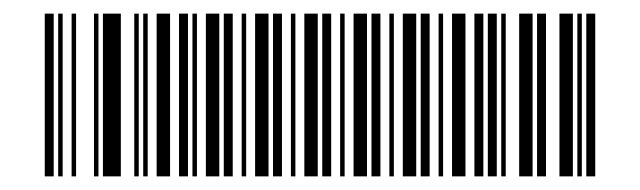
Disable Code 39:
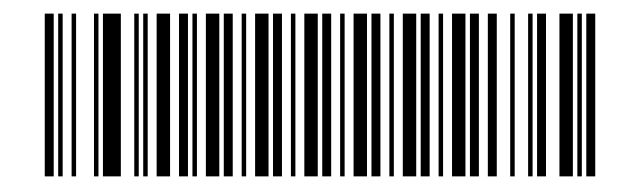
Code 39 - One Discrete Length:

Code 39 - Two Discrete Lengths:

Code 39 - Length Within Range:

Code 39 - Any Length:

Verify Code 39 Check Digit:
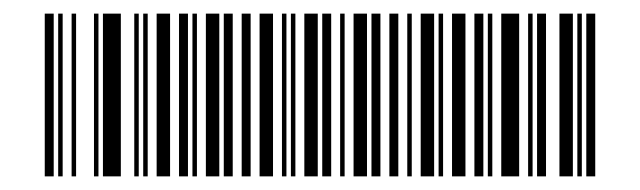
Do Not Verify Code 39 Check Digit:
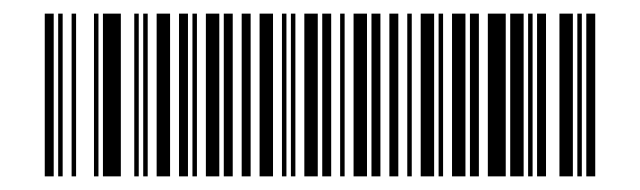
Transmit Code 39 Check Digit (Enable):
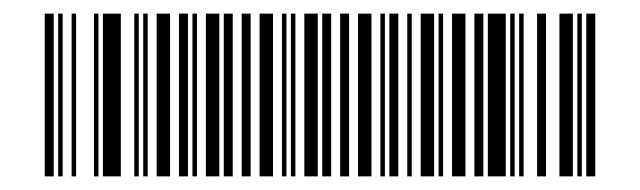
Do Not Transmit Code 39 Check Digit:
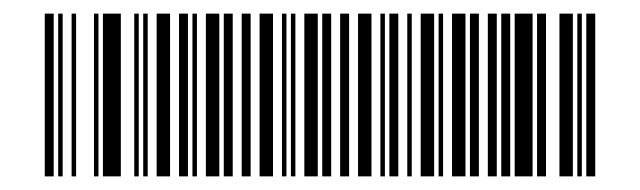
Enable Code 39 Full ASCII:
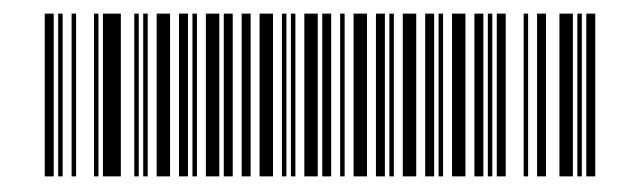
Disable Code 39 Full ASCII:
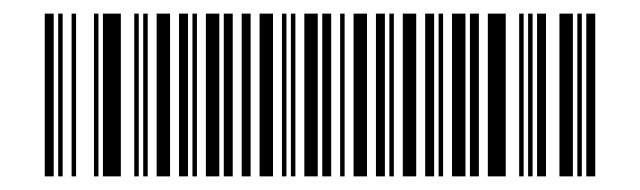
Transmit Start/Stop Character:
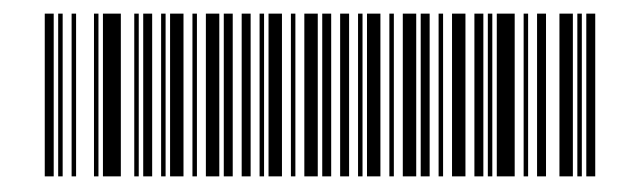
Do not Transmit Start/Stop Character:
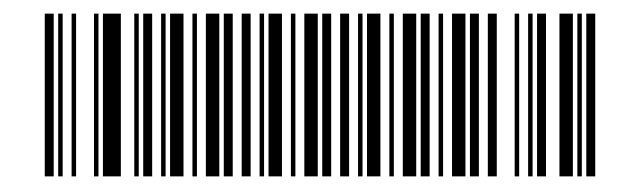
Code 32
Disable Code 32:
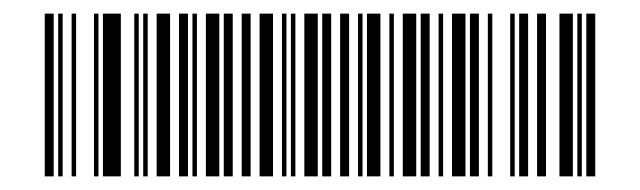
Enable Code 32:
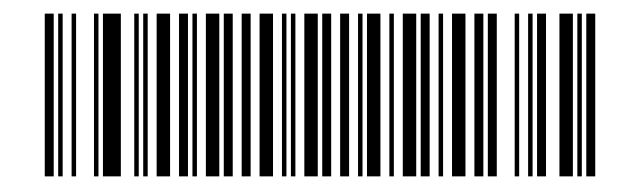
Disable Code 32 Prefix:
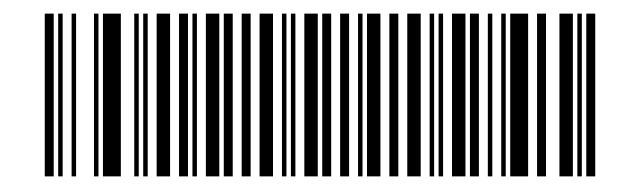
Enable Code 32 Prefix:
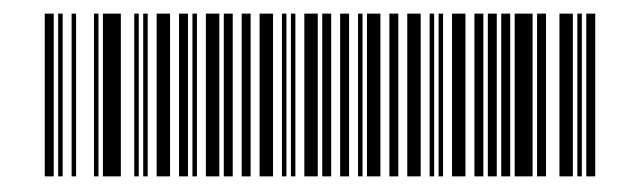
Enable Code 93:
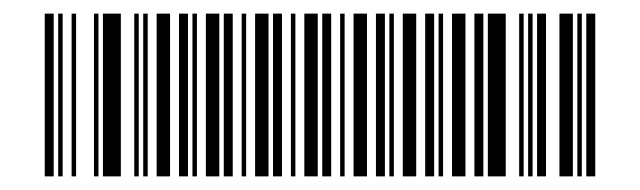
Disable Code 93:
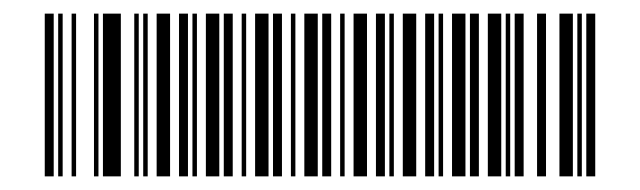
Code 93 - One Discrete Length:

Code 93 - Two Discrete Lengths:

Code 93 - Length Within Range:

Code 93 - Any Length:

Verify Code 93 Check Digit:
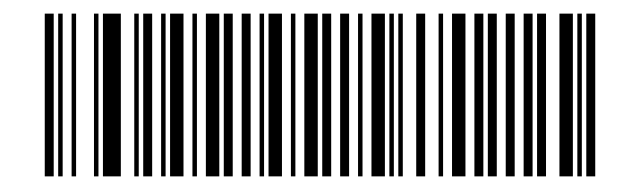
Do Not Verify Code 39 Check Digit:
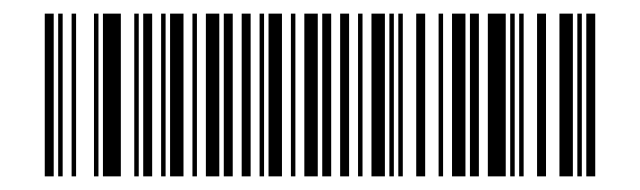
Transmit Code 93 Check Digit (Enable):
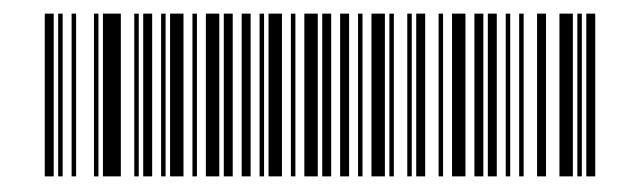
Do Not Transmit Code 93 Check Digit:
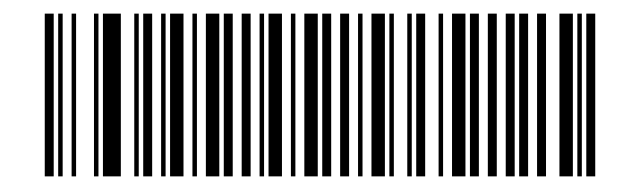
Code 11
Enable Code 11:
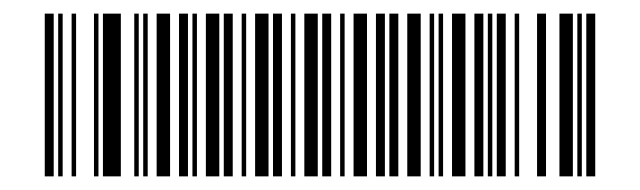
Disable Code 11:
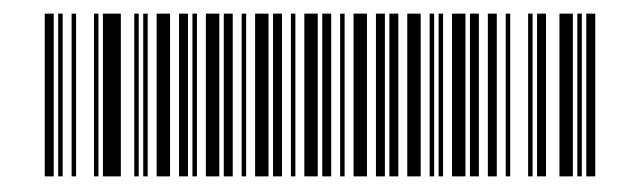
Code 11 - One Discrete Length:

Code 11 - Two Discrete Lengths:

Code 11 - Length Within Range:

Code 11 - Any Length:

Disable Code 11 Check Digit Verification:
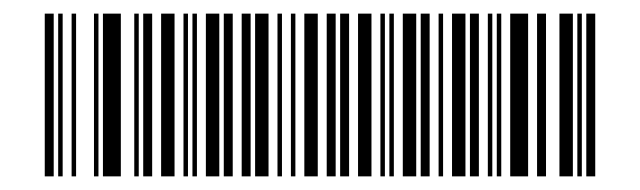
Enable One Check Digit:
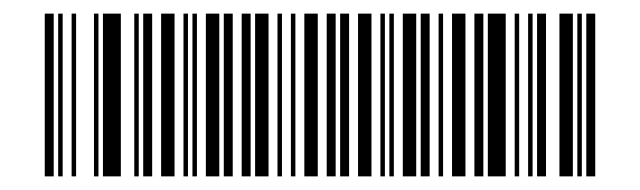
Enable Two Check Digits:
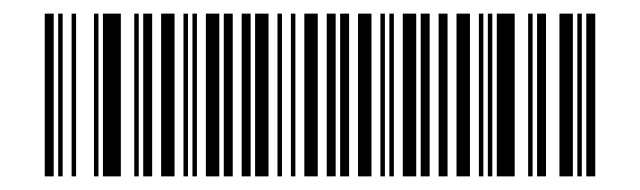
Transmit Code 11 Check Digit(s) (Enable):
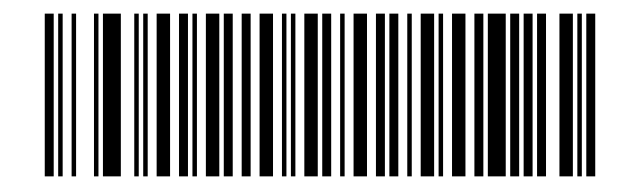
Do Not Transmit Code 11 Check Digit(s) (Disable):
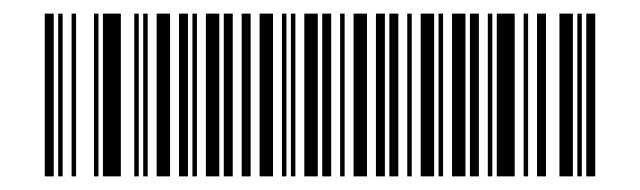
Interleaved 2 of 5/ITF
Enable Interleaved 2 of 5:
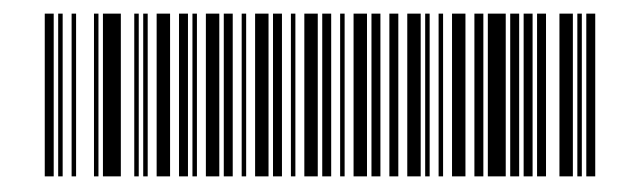
Disable Interleaved 2 of 5:
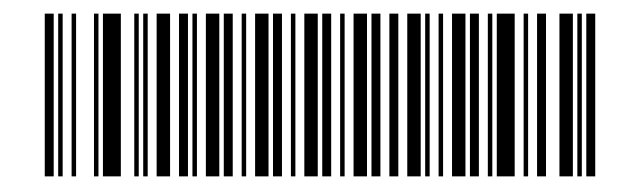
I 2 of 5 - One Discrete Length:

I 2 of 5 - Two Discrete Lengths:

I 2 of 5 - Length Within Range:

I 2 of 5 - Any Length:

Verify I 2 of 5 Check Digit:
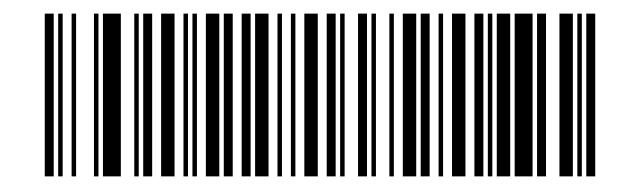
Do Not Verify I 2 of 5 Check Digit:
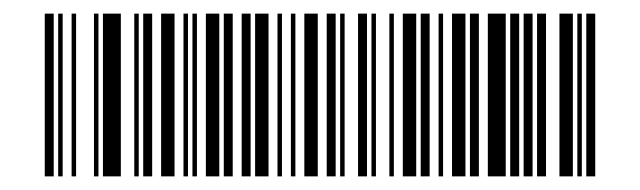
Transmit I 2 of 5 Check Digit (Enable):
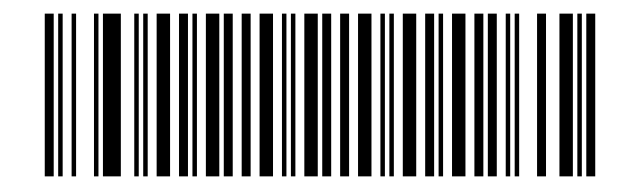
Do Not Transmit I 2 of 5 Check Digit:
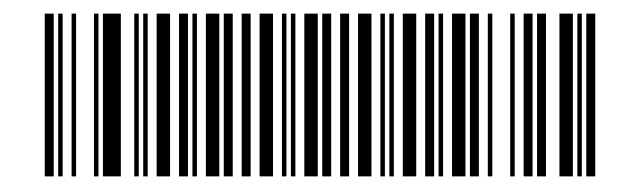
ITF14
Enable ITF14:
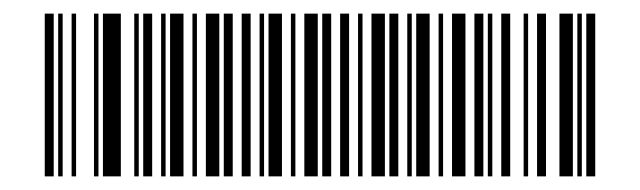
Disable ITF14:
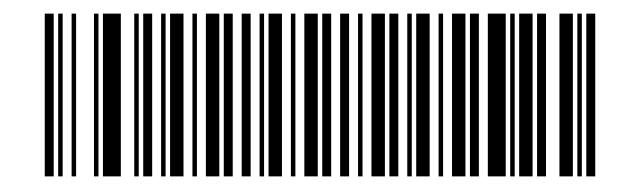
Transmit ITF14 Check Digit (Enable):
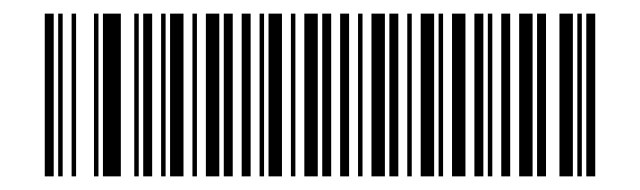
Do Not Transmit ITF14 Check Digit:
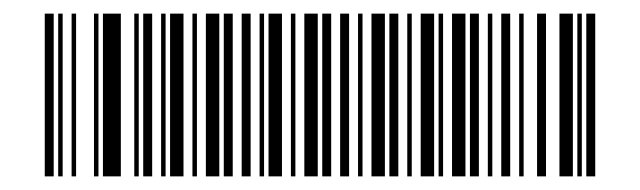
Discrete 2 of 5/Industrial 2 of 5/IND25
Enable Discrete 2 of 5:
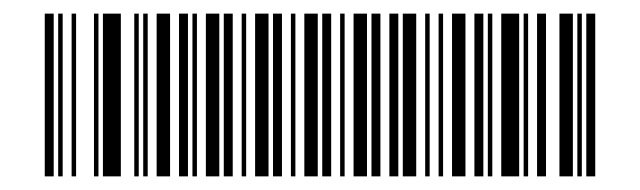
Disable Discrete 2 of 5:
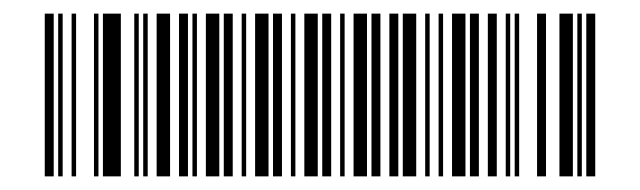
D 2 of 5 - One Discrete Length:

D 2 of 5 - Two Discrete Lengths:

D 2 of 5 - Length Within Range:

D 2 of 5 - Any Length:

Verify D 2 of 5 Check Digit:
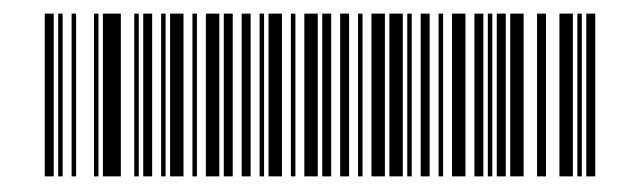
Do Not Verify D 2 of 5 Check Digit:
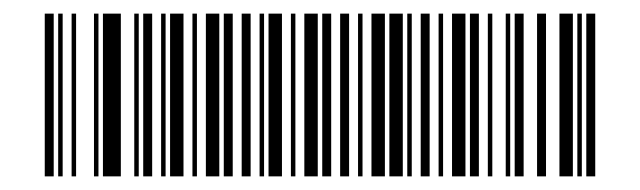
Transmit D 2 of 5 Check Digit (Enable):
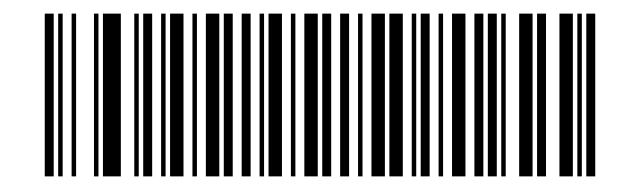
Do Not Transmit D 2 of 5 Check Digit:
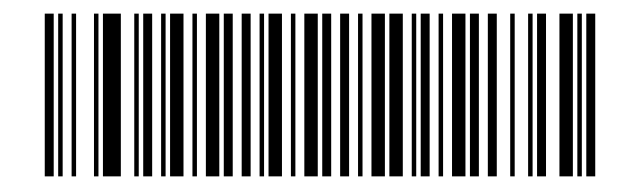
Matrix 25
Enable Matrix 25:
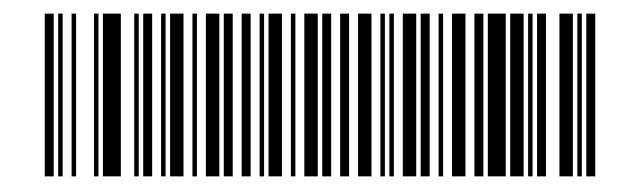
Disable Matrix 25:
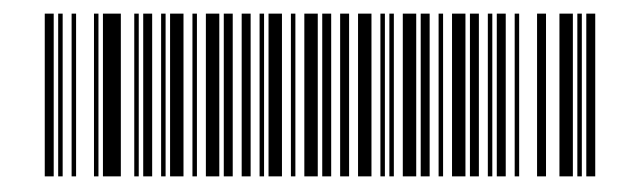
Verify Matrix 25 Check Digit:
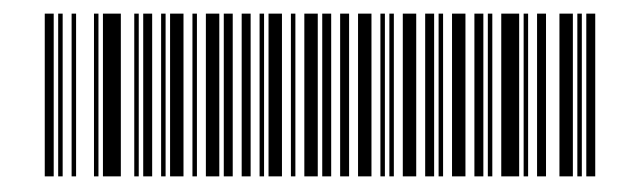
Do Not Verify Matrix 25 Check Digit:
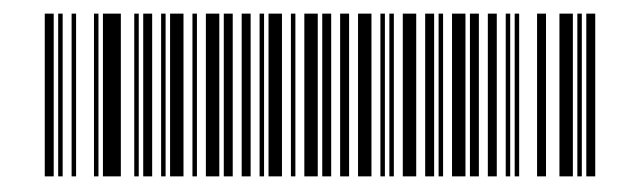
Transmit Matrix 25 Check Digit (Enable):
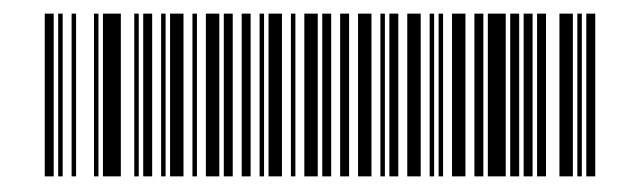
Do Not Transmit Matrix 25 Check Digit:
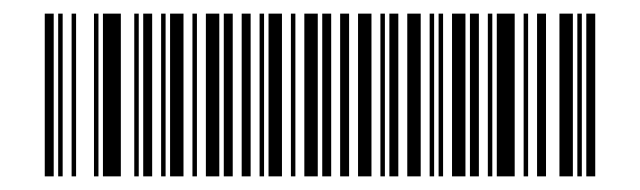
Matrix 25 - One Discrete Length:

Matrix 25 - Two Discrete Lengths:

Matrix 25 - Length Within Range:

Matrix 25 - Any Length:

Standard 25/IATA 25
Disable Standard 25:
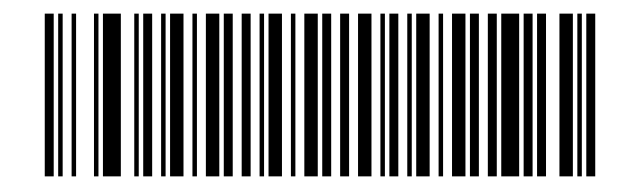
Enable Standard 25:
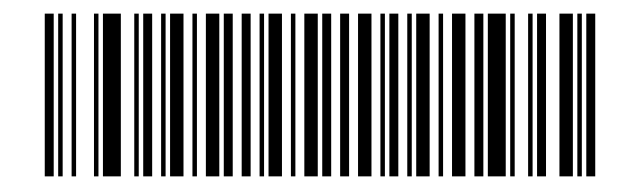
Disable Standard 25 Check Digit Verification:
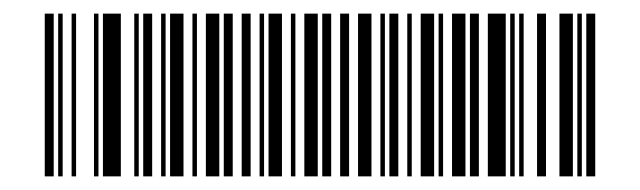
Enable Standard 25 Check Digit Verification:
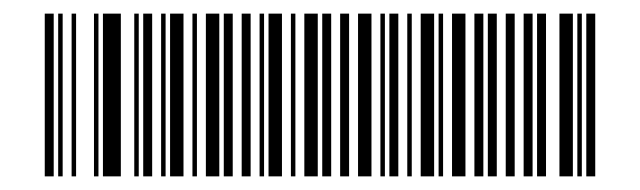
Disable Standard 25 Transmit Check Character:
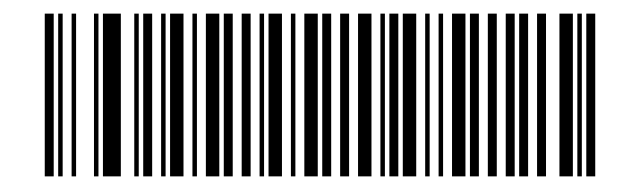
Enable Standard 25 Transmit Check Character:
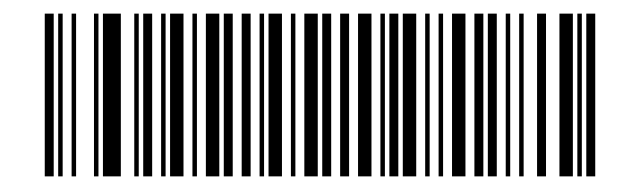
Standard 25 - One Discrete Length:

Standard 25 - Two Discrete Lengths:

Standard 25 - Length Within Range:

Standard 25 - Any Length:

Codabar
Enable Codabar:
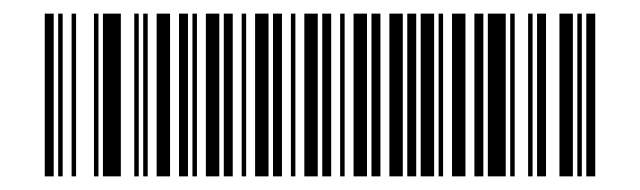
Disable Codabar:
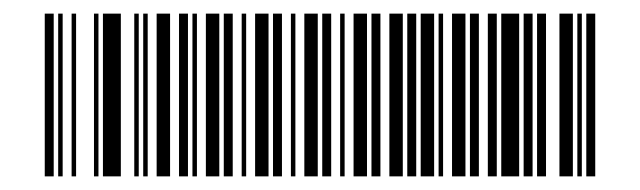
Codabar - One Discrete Length Codabar:

Codabar - Two Discrete Lengths Codabar:

Codabar - Length Within Range Codabar -:

Codabar - Any Length Codabar:

Disable Codabar Check Digit Verification:
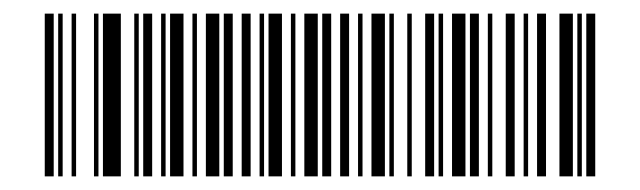
Enable Codabar Check Digit Verification:
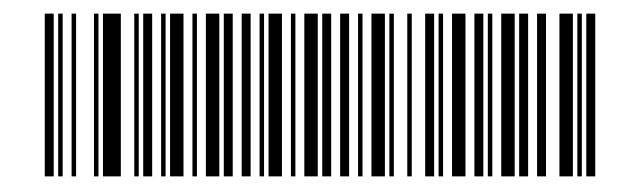
Disable Codabar Transmit Check Character:
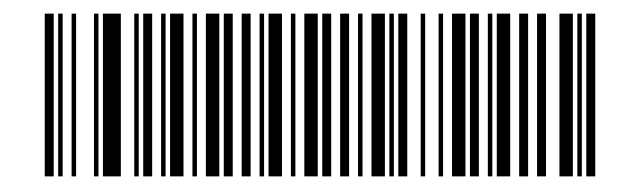
Enable Codabar Transmit Check Character:
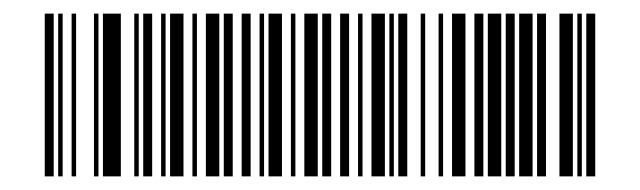
ABCD/ABCD as the Start/Stop Character:
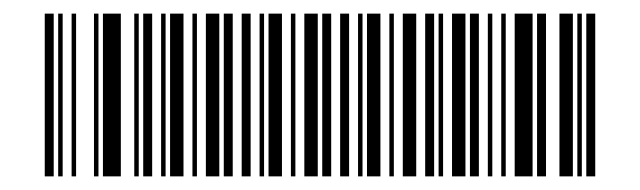
ABCD/TN*E as the Start/Stop Character:
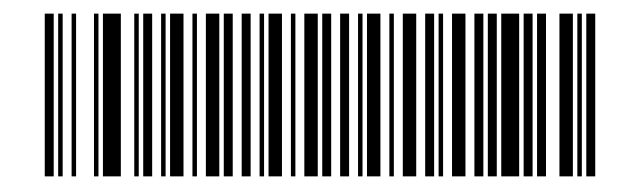
Start/Stop Character in Uppercase:
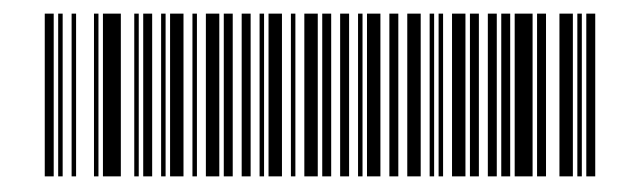
Start/Stop Character in Lowercase:
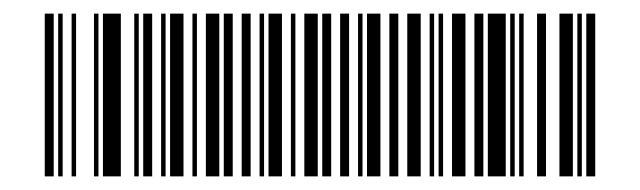
MSI
Enable MSI:
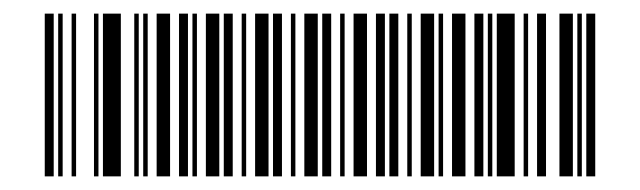
Disable MSI:
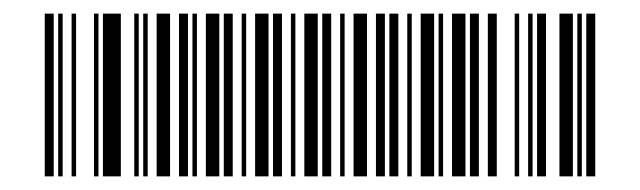
MSI - One Discrete Length:

MSI - Two Discrete Lengths:

MSI - Length Within Range:

MSI - Any Length:

One Check Character:
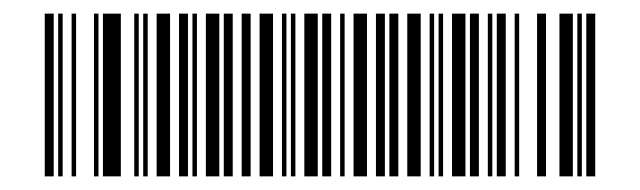
Two Check Characters:
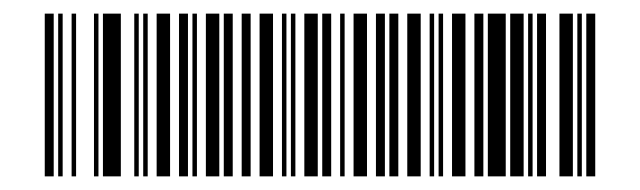
Transmit Check Character:
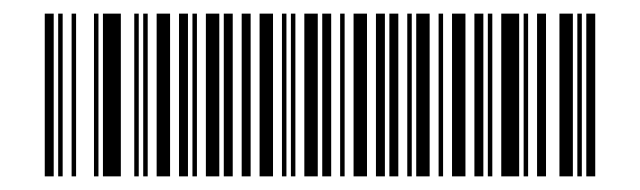
Do Not Transmit Check Character:
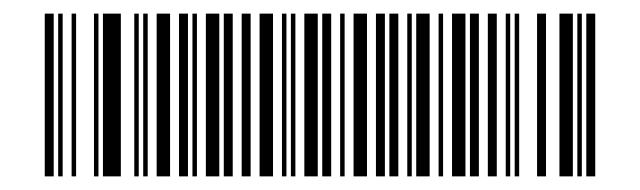
GS1 DataBar/RSS
Enable GS1 DataBar-14:
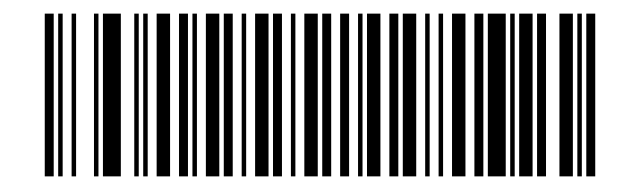
Disable GS1 DataBar-14:
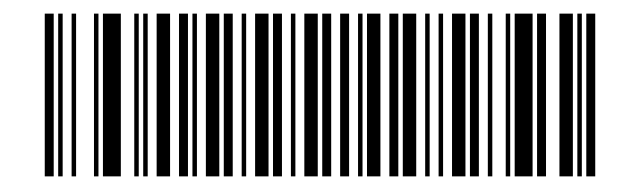
Enable GS1 DataBar Limited:
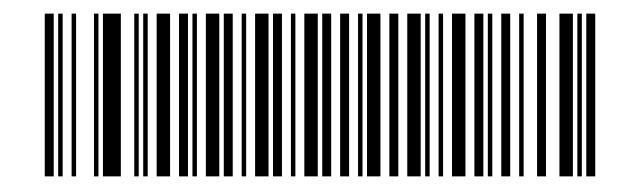
Disable GS1 DataBar Limited:
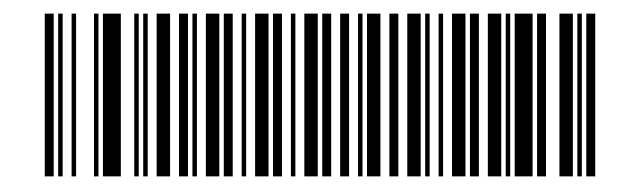
Enable GS1 DataBar Expanded:
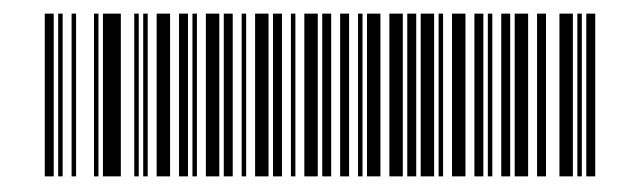
Disable GS1 DataBar Expanded:
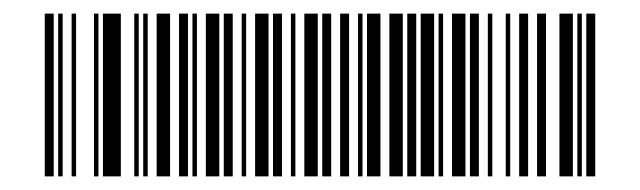
PDF417
Disable PDF417:
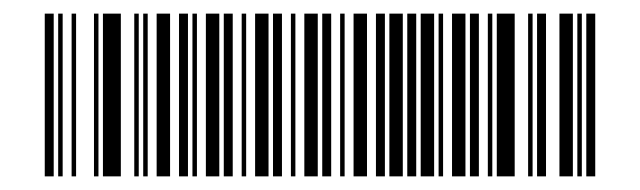
Enable PDF417:
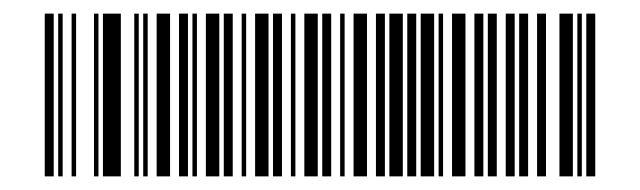
Single PDF417 Only:
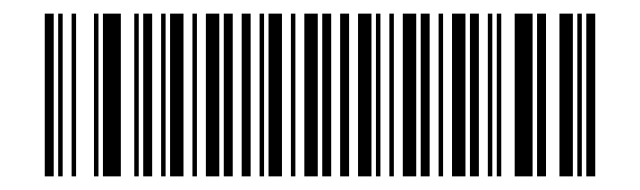
Twin PDF417 Only:
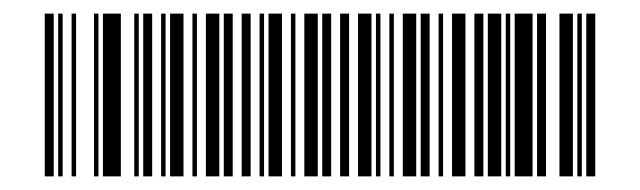
Both Single & Twin:
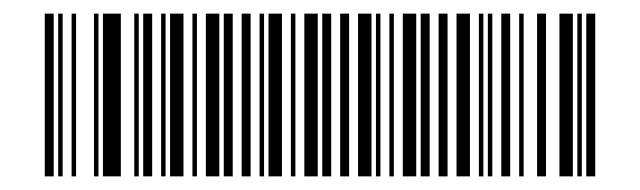
Read Normal Phase:
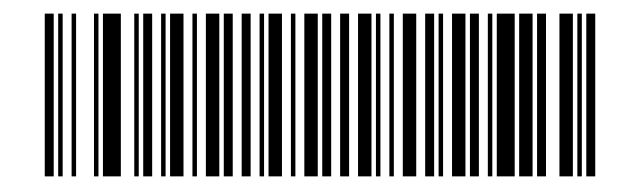
Read Phase Reversal:
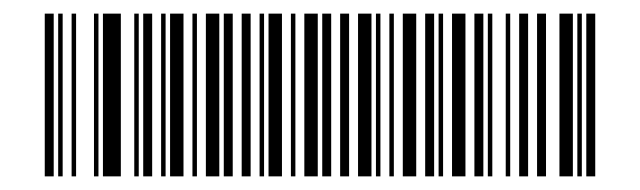
Read Normal Phase/ Phase Reversal:
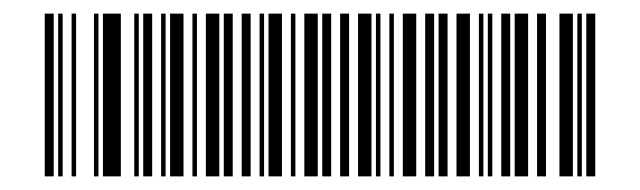
QR
Disable QR Code:
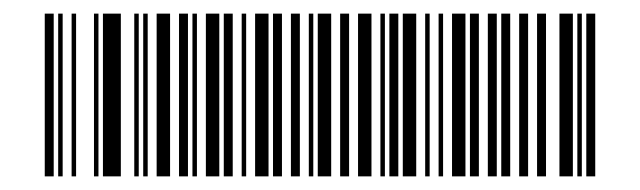
Enable QR Code:
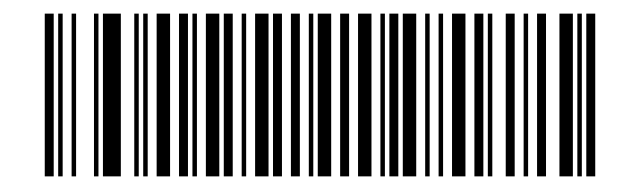
Single QR Only:
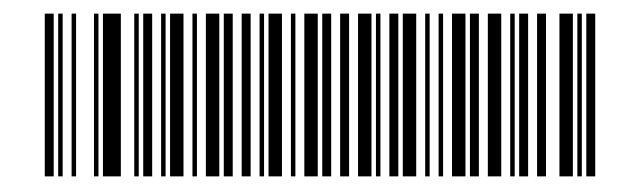
Twin QR Only:
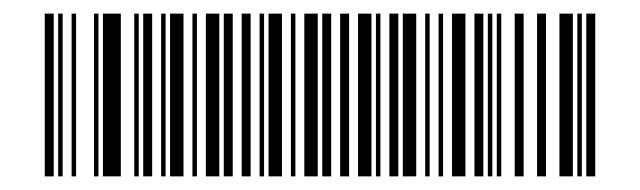
Both Single & Twin:
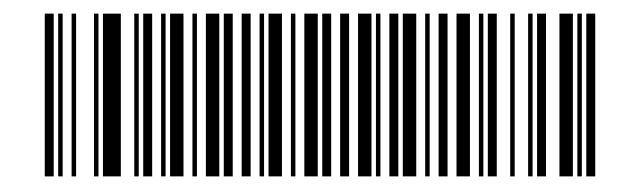
Disable QR ECI Output:
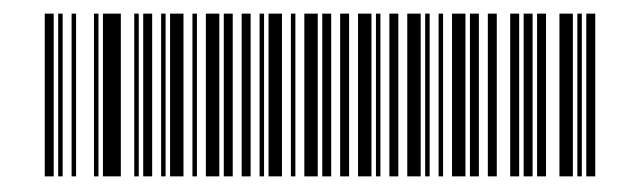
Enable QR ECI Output:
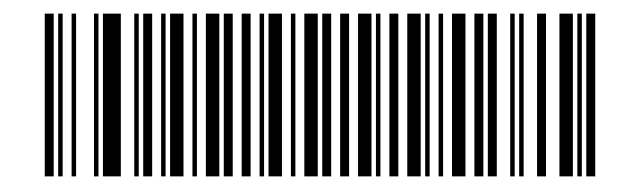
Read Normal Phase:
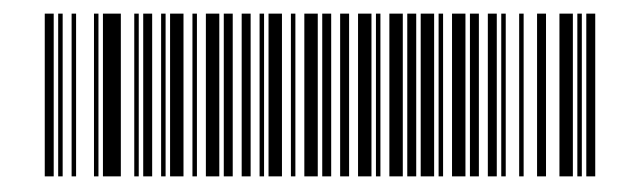
Read Phase Reversal:
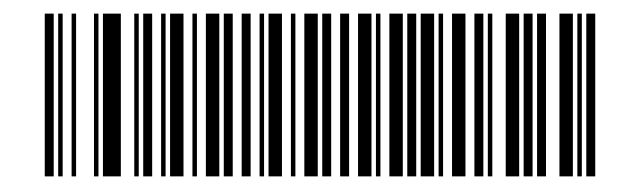
Read Normal Phase/ Phase Reversal:
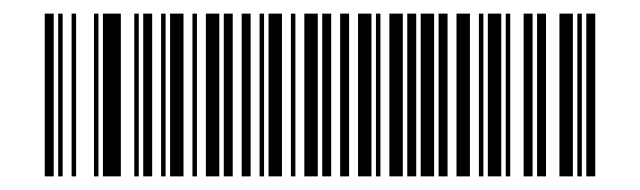
Disable Data Matrix:
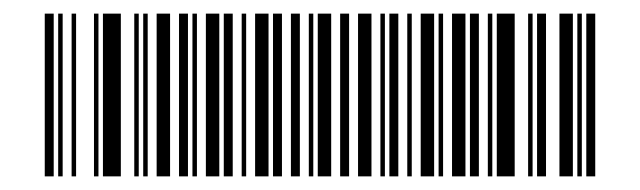
Enable Data Matrix:
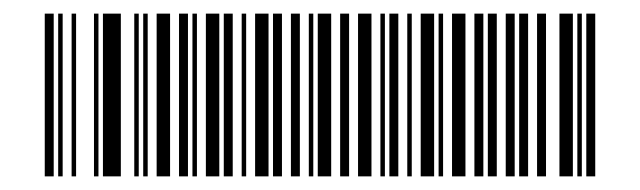
Single Data Matrix Only:
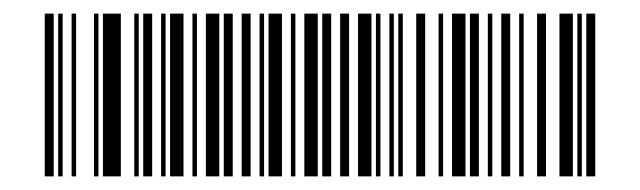
Enable Data Matrix ECI Output:
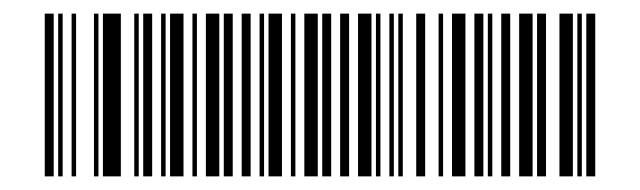
Both Single & Twin:
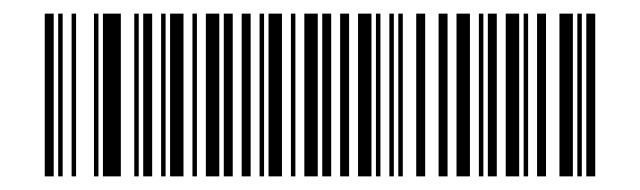
Disable Data Matrix ECI Output:
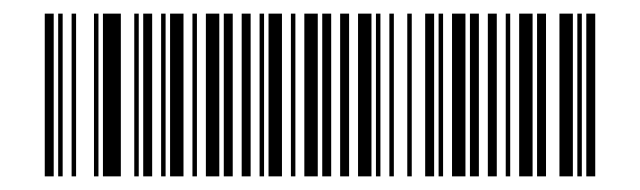
Enable Data Matrix ECI Output:
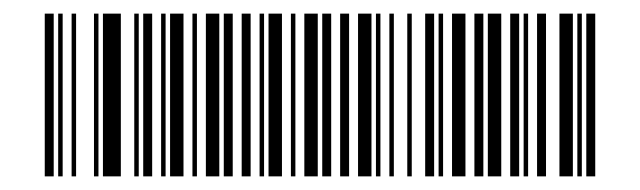
Read Normal Phase:
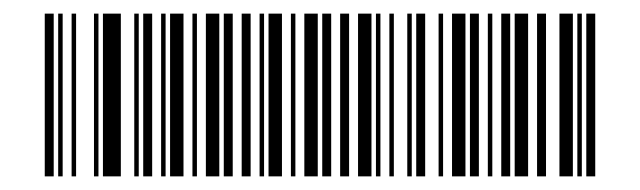
Read Phase Reversal:
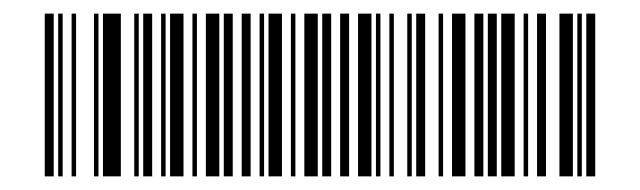
Read Normal Phase/ Phase Reversal:
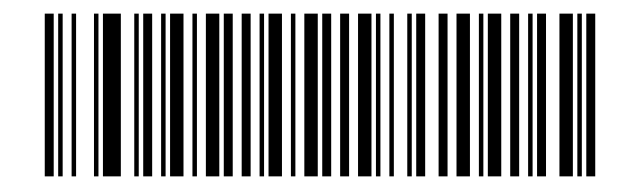
Maxi Code
Disable MaxiCode:
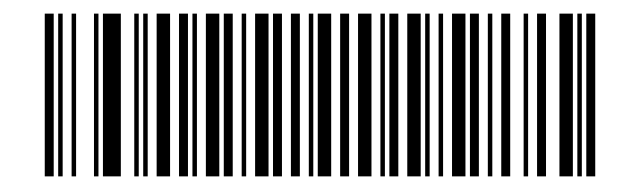
Enable MaxiCode:
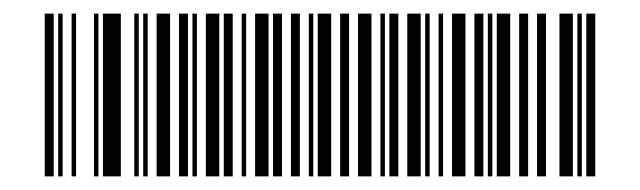
Disable Aztec Code:
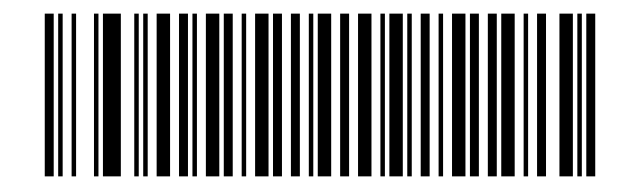
Enable Aztec Code:
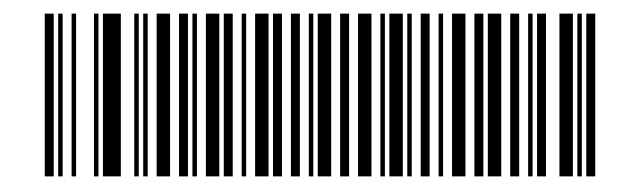
Han Xin Code
Disable Han Xin Code:
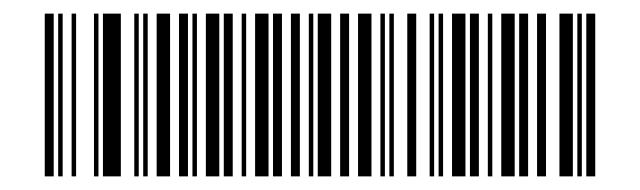
Enable Han Xin Code:
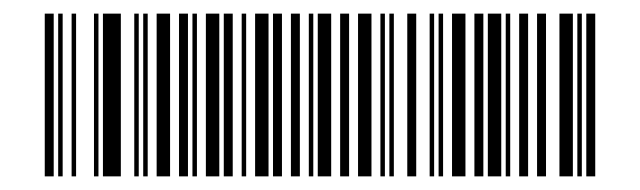
Single Han Xin Only:
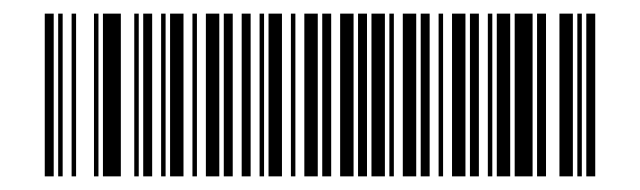
Twin Han Xin Only:
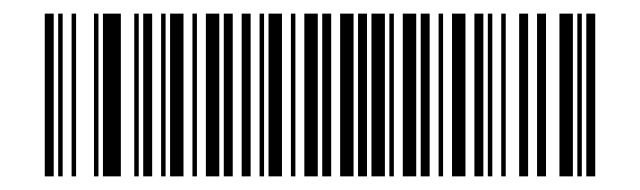
Both Single & Twin:
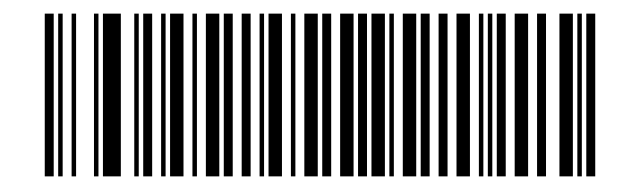
Read Normal Phase:
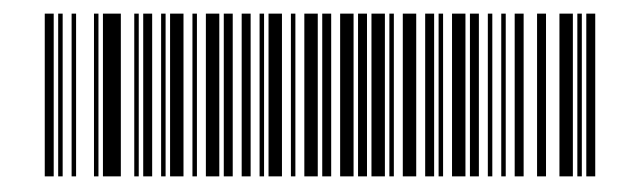
Read Phase Reversal:
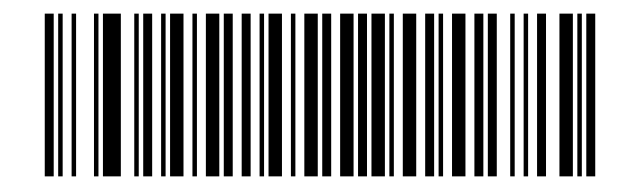
Read Normal Phase/ Phase Reversal:
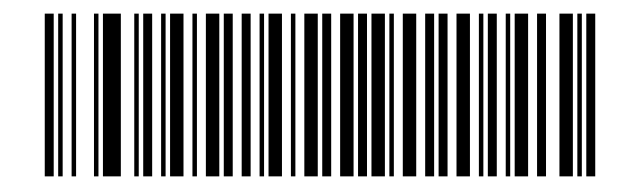
Plessey
Enable Plessey:
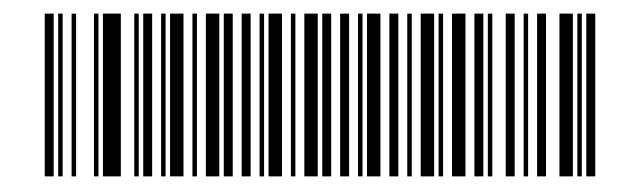
Disable Plessey:
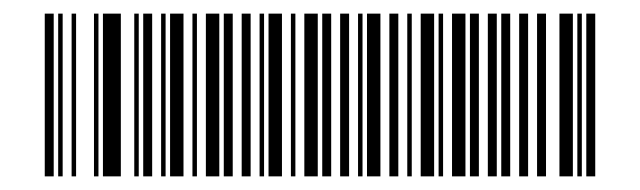
Enable Character Verification:
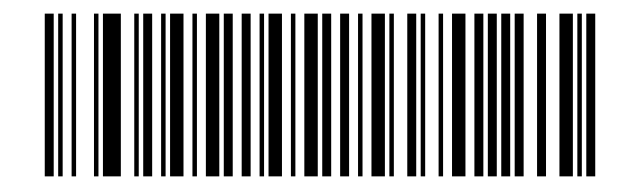
Disable Character Verification:
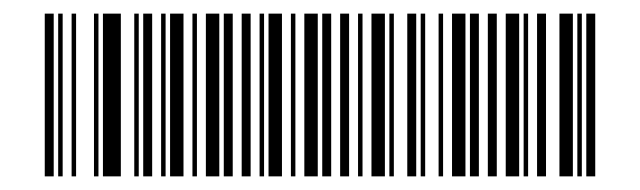
Transmit Check Character:
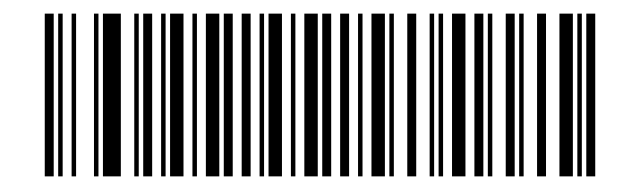
Do Not Transmit Check Character:
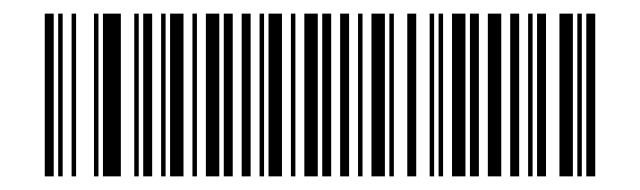
Brazil Bank Code
Enable Brazil Bank Code:
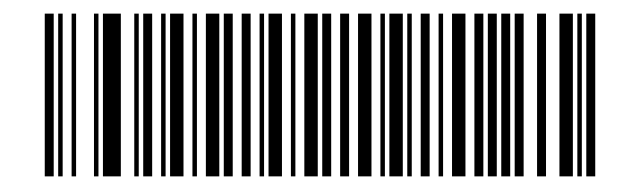
Disable Brazil Bank Code:
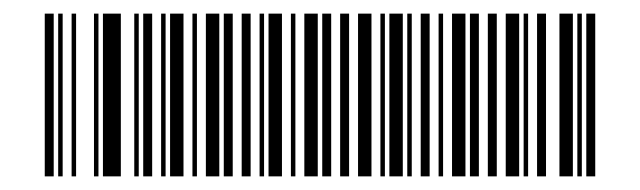
Enable COMPOSITE Code:
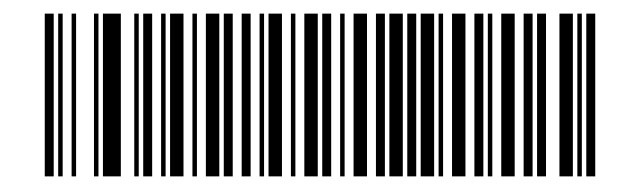
Disable COMPOSITE Code:
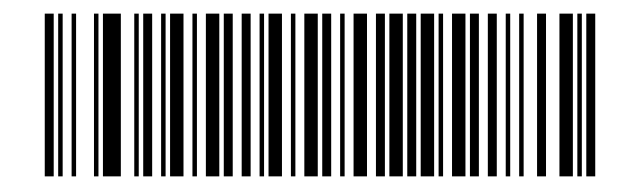
EAN/UCC
Enable EAN/UCC Code:
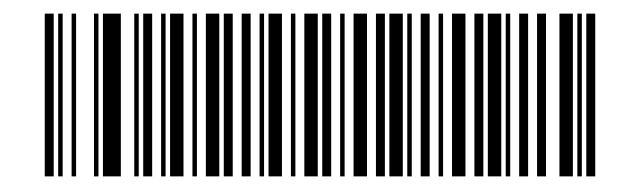
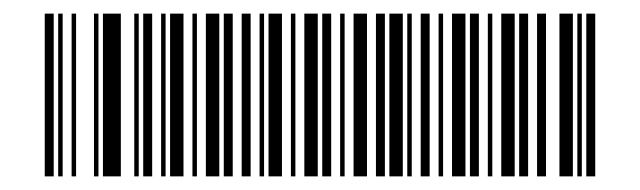
Disable EAN/UCC Code:
Appendix 1: Numeric Bar Codes
EAN/UCC
0:

1:

2:

3:

4:

5:

6:

7:

8:

9:

Cancel Barcode
Cancel:

Hide Prefix or suffix digits
Cancel Barcode
Hide Barcode Start Chars:
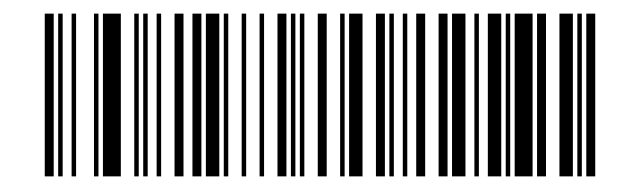
Hide Barcode Middle Char Start:
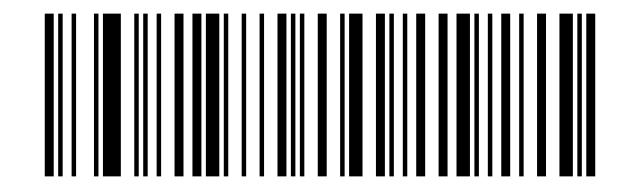
Hide Barcode Middle Chars:
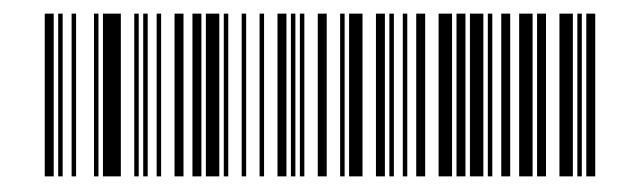
Hide Barcode End Chars:
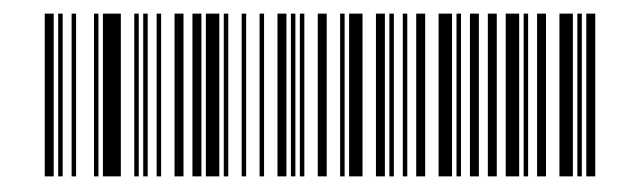
Output Format
Enable Hide Barcode Start Char:
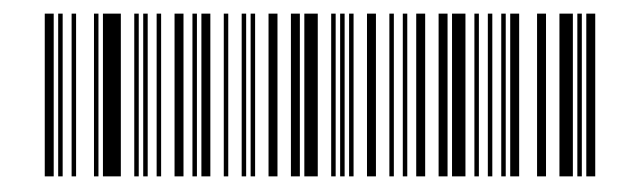
Enable Hide Barcode Middle Char:
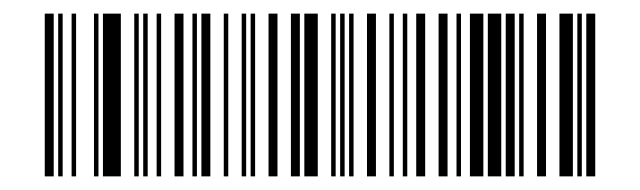
Enable Hide Barcode End Char:
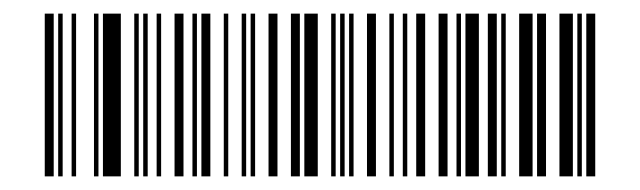
To Hide chars of barcode Start/Middle/End:
Add Prefix:
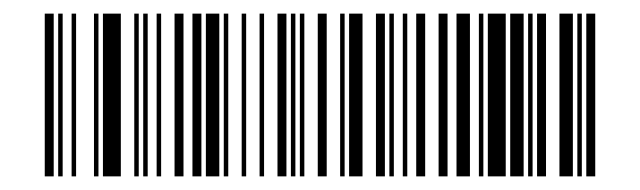
Add Suffix:
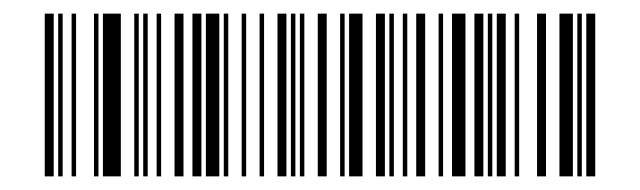
Clear All Prefix:
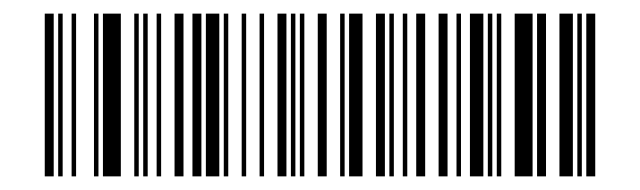
Clear All Suffix:
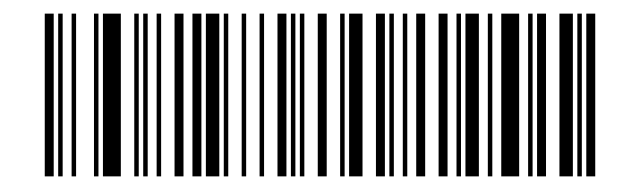
Numeric Bar Codes
Numeric Bar Codes:

Numeric Bar Codes:

Numeric Bar Codes:

Numeric Bar Codes:

Numeric Bar Codes:

Numeric Bar Codes:

Numeric Bar Codes:

Numeric Bar Codes:

Numeric Bar Codes:

To change the Scan Data Transmission Format, scan one of the eight bar codes corresponding to the desired format.:

To change the Scan Data Transmission Format, scan one of the eight bar codes corresponding to the desired format.:

To change the Scan Data Transmission Format, scan one of the eight bar codes corresponding to the desired format.:

To change the Scan Data Transmission Format, scan one of the eight bar codes corresponding to the desired format.:

To change the Scan Data Transmission Format, scan one of the eight bar codes corresponding to the desired format.:

To change the Scan Data Transmission Format, scan one of the eight bar codes corresponding to the desired format.:

To change the Scan Data Transmission Format, scan one of the eight bar codes corresponding to the desired format.:

Output Format
Default output format:
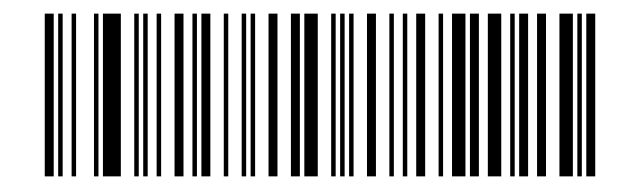
Enable Suffix output:
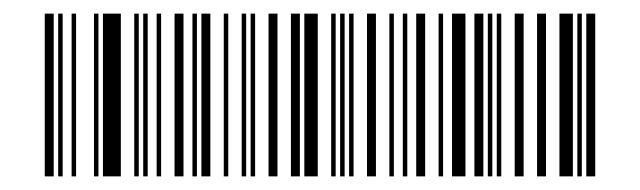
Enable Prefix output:
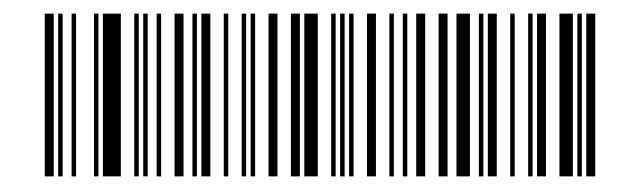
Add " A" and "B" as prefixes and "!" as suffix:
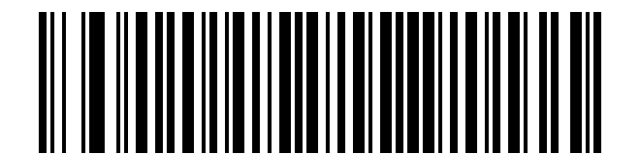
2. Check the prefix hex value from the ASCII Chart. A- "4","1"; B-"4" "2";:
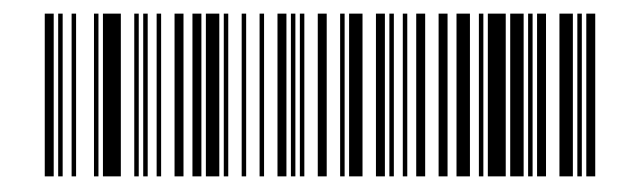
4. Scan the output format to enable prefix output.:

$NO#1:

4. Scan the output format to enable prefix output.:

$NO#2:

Enable Prefix output:
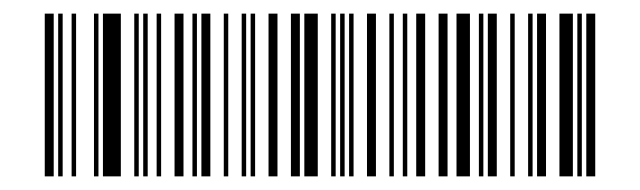
Add Suffix:
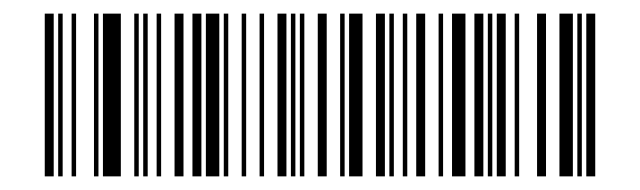
8. Scan the output format to enable suffix output.:

2. Check the suffix hex value from the ASCII Chart. Ctrl+P - "9" "7" "5" "0":

Enable Suffix output:
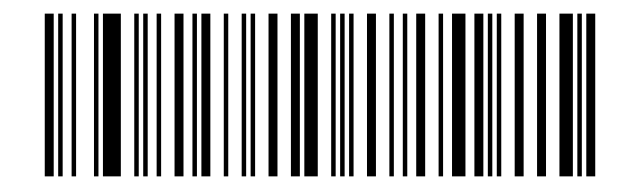
Add "Ctrl+P" on "123456789" as suffix:
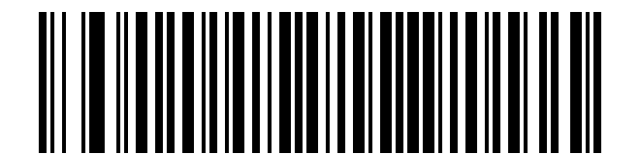
Add Suffix:
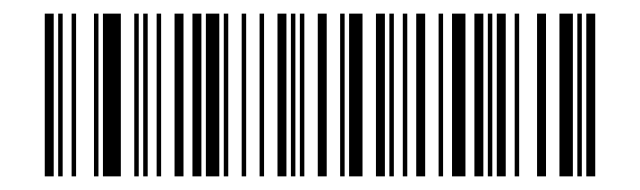
$NO#9:

ASCII:

4. Scan the output format to enable suffix output.:

ASCII:

Enable Suffix output:
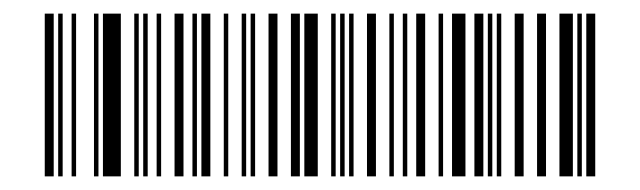
Frequently asked questions
What is the difference between the HD8100-RF and the HD8500-RF?
What is the wireless range?
Can it read barcodes from screens?
Downloads
The original supplier PDF manuals are kept as archival documentation. Everything they contain is already on this page — use the PDF only if you need an offline copy.